
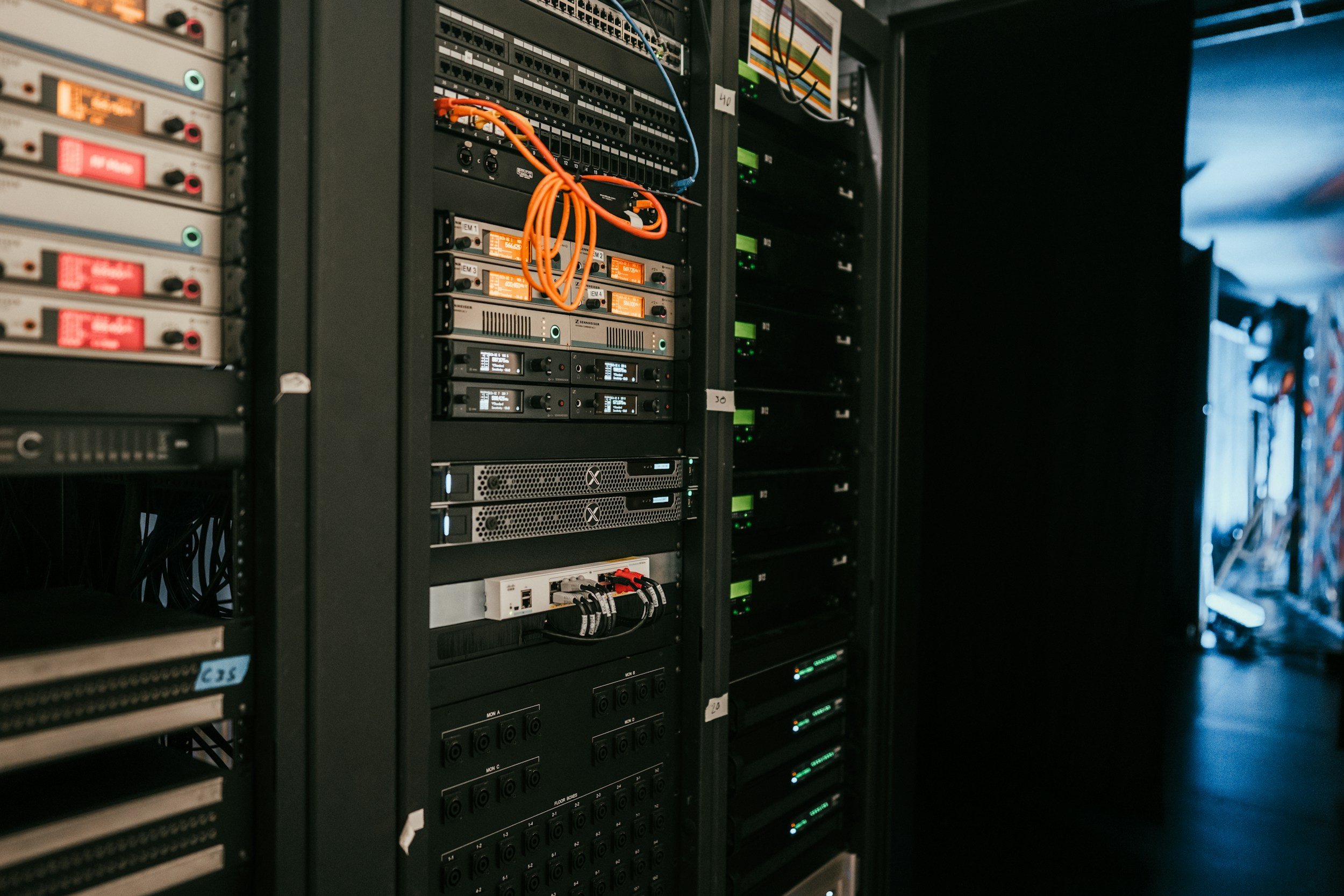
Servers & Maintenance
Custom-built servers and NAS solutions with ongoing support for storage and internal networks.
Common Issues We Repair
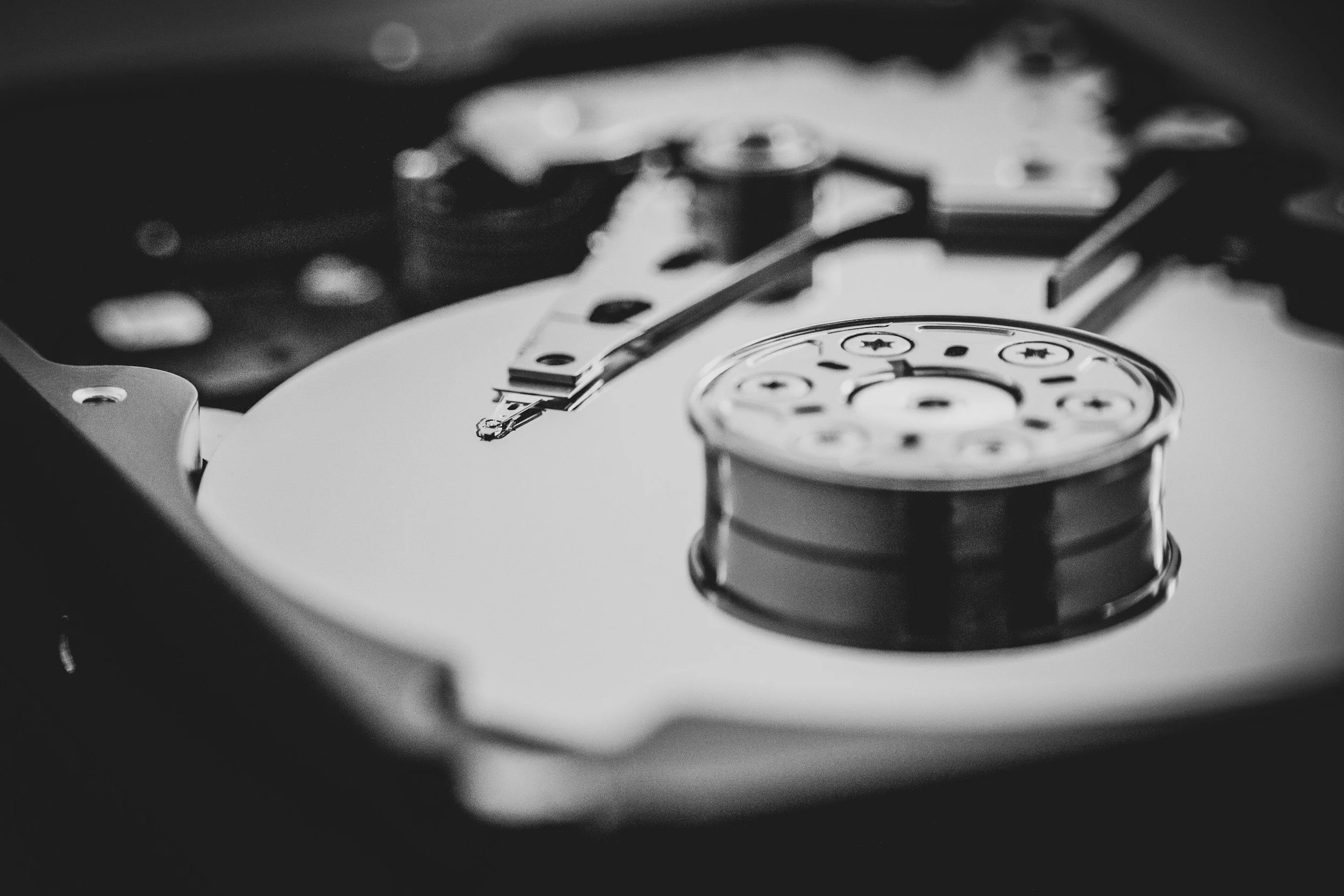
Running Out of Space
Projects, media, and backups scattered across devices.

No Central Storage
Files live on random PCs, laptops, and USB drives.

Slow or Unreliable Shares
Janky “shared folders” over old hardware.
No Backup or Versioning
Single-drive setups with no real protection.
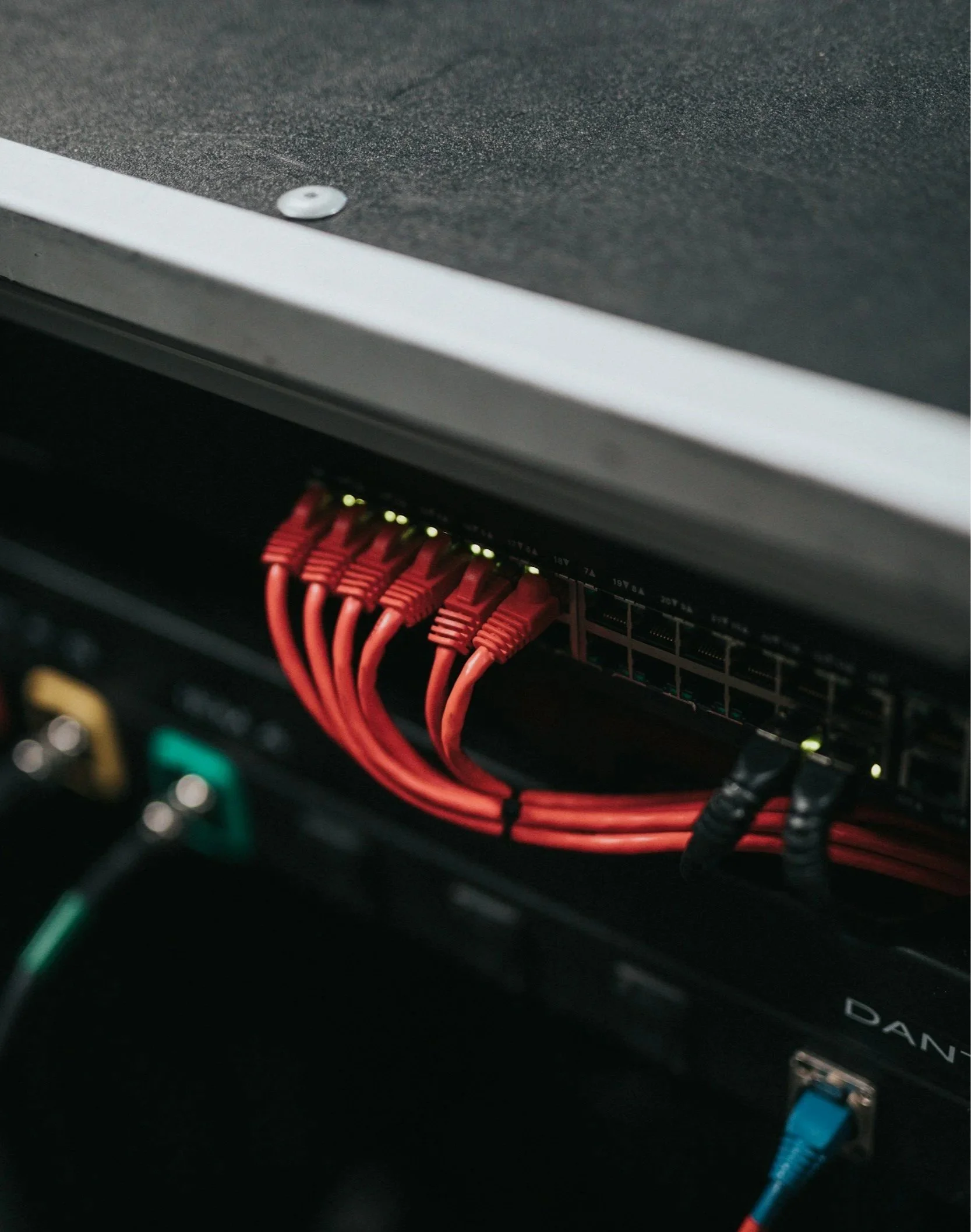
Need a Proper Server
Ad-hoc solutions outgrown by a growing team or home lab.

Remote Access Mess
Unstable VPNs, unsafe port forwards, or no access at all.
Core Server & NAS Services
Custom-built file servers and NAS systems
OS install and configuration (TrueNAS, Unraid, Windows, Linux, etc. – whatever you actually want to offer)
RAID setup and storage pooling (where supported)
User accounts, groups, and shared folders
SMB/NFS share configuration for Windows, macOS, and Linux
Access control and permissions for teams or family
Performance tuning for large files, media, or VMs
Maintenance & Ongoing Support
Health monitoring and SMART checks
Capacity and growth planning
Backup of the server itself (offsite or secondary)
Routine updates and patching (OS + key services)
Basic UPS / power protection recommendations
Remote admin access setup (secure remote maintenance)
Documentation of the setup for future changes
We focus on practical, understandable setups — no mystery configs you can’t manage later.
Transparent Pricing & Estimates
| Category | Typical Range | Includes / Notes |
|---|---|---|
| Server / NAS Planning & Assessment | $149 – $299 | Discussion of storage needs, workloads, users/devices, and network; written design and parts recommendations. |
| Custom Server / NAS Build & Setup | $399 – $1,299 + hardware | Assembly, OS install (TrueNAS, Unraid, Windows, Linux, etc.), storage pool/RAID setup, and basic share configuration. |
| Existing Hardware Server / NAS Setup | $249 – $699 + parts | Repurposing or reconfiguring an existing machine into a server/NAS, including OS, storage layout, and basic tuning. |
| Data Migration to New Server / NAS | $199 – $599 | Safe transfer of data from old PCs, drives, or NAS into the new environment with verification and basic restructuring. |
| Remote Access / VPN for Storage | $299 – $799 + hardware/software licensing | Secure VPN setup for storage access from remote locations; user access rules; testing; any required server/client configuration; additional fees apply for multiple users or legacy systems. |
| Server Backup Strategy & Setup | $199 – $599 + hardware | Design and configuration of local/offsite/cloud backups for the server/NAS, plus test restores. |
| Monitoring & Maintenance | From $149 / visit | Periodic health checks, SMART review, updates, and capacity planning. Ongoing plans available from $99 – $299 / month. |
| Server Health Check (Light) | $129 – $249 | One-time review of logs, updates, storage usage, and basic performance with written recommendations. |
| Emergency / After-Hours Server Support | + $100 – $200 surcharge | Priority response for outages or urgent issues outside regular hours, subject to availability. |
How It Works
Discovery & Assessment
We talk through what you need: storage size, number of users/devices, workloads (files, media, VMs), and budget.

Design & Quote
You get a clear plan: hardware recommendations (or use your existing gear), layout of shares, backup approach, and estimated cost.
Build, Install & Configure
We build or configure the server/NAS, create shares and users, set up backups, and connect your devices.
Monitoring & Support
We provide documentation and offer ongoing maintenance or on-demand support to keep things healthy and expandable.
Smaller deployments are typically completed in 1–2 sessions once hardware is available; larger or migration-heavy setups may take longer.

Why Choose LynqPC Services
Custom solutions instead of one-size-fits-all appliances
Experience with both home labs and small business environments
Focus on reliability, maintainability, and clear documentation
Honest advice on build vs buy (prebuilt NAS vs custom server)
Local support in Greater Philadelphia with remote options
Frequently Asked Questions
-
It depends on your workflow.
A NAS is perfect for shared storage, backups, and simple access.
A server is better if you need additional services like virtualization, applications, remote access, or multiple roles.
We help you choose the right option based on your actual needs. -
Yes. We can build a server using new parts, repurpose an existing PC, or upgrade older hardware. We’ll check compatibility, thermals, power needs, and long-term reliability before recommending anything.
-
Yes. We support a wide range of platforms — TrueNAS Core/Scale, Unraid, Ubuntu Server, Windows Server, and others.
During the consultation, we’ll recommend the platform that best matches your comfort level and requirements. -
Usually yes. We can transfer data from external drives, older NAS units, or other servers. During the assessment, we’ll confirm the safest way to move your files with minimal downtime.
-
No. RAID protects against drive failure, not accidental deletion or corruption.
We always recommend a proper backup strategy on top of any RAID setup, whether local or cloud-based. -
Yes. We configure local, offsite, or cloud-based backup solutions so your server or NAS is not a single point of failure. We also test restores to ensure everything works as intended.
-
Yes. We can set up secure remote access using VPNs or other safe methods — no risky open ports or insecure routing. We’ll explain the options and choose the safest one for your use case.
-
If you want ongoing support, yes. We can provide periodic health checks, SMART monitoring, updates, and capacity planning. Maintenance can be scheduled or on-demand.
-
Yes. Slow speeds usually come from network misconfiguration, poor cabling, old hardware, or permissions issues. We diagnose the bottleneck and tune the system for consistent performance.
-
Both. We build and maintain solutions for small offices, home studios, prosumers, and anyone who needs reliable storage or internal infrastructure.
-
Just an idea of what you want to store, how many devices will access it, and your preferred budget range.
If you’re unsure, we can guide you during the consultation.

Ready to solve it?
Get a fast estimate today — tell us the symptoms and your goals.
Related Services

PC Repair and Upgrades
Diagnostics, cleaning, and hardware replacements to bring any desktop or laptop back to peak condition.
Learn More

Business IT & Office Setup
Complete IT solutions for businesses — workstations, networks, security, and ongoing support.
Learn More
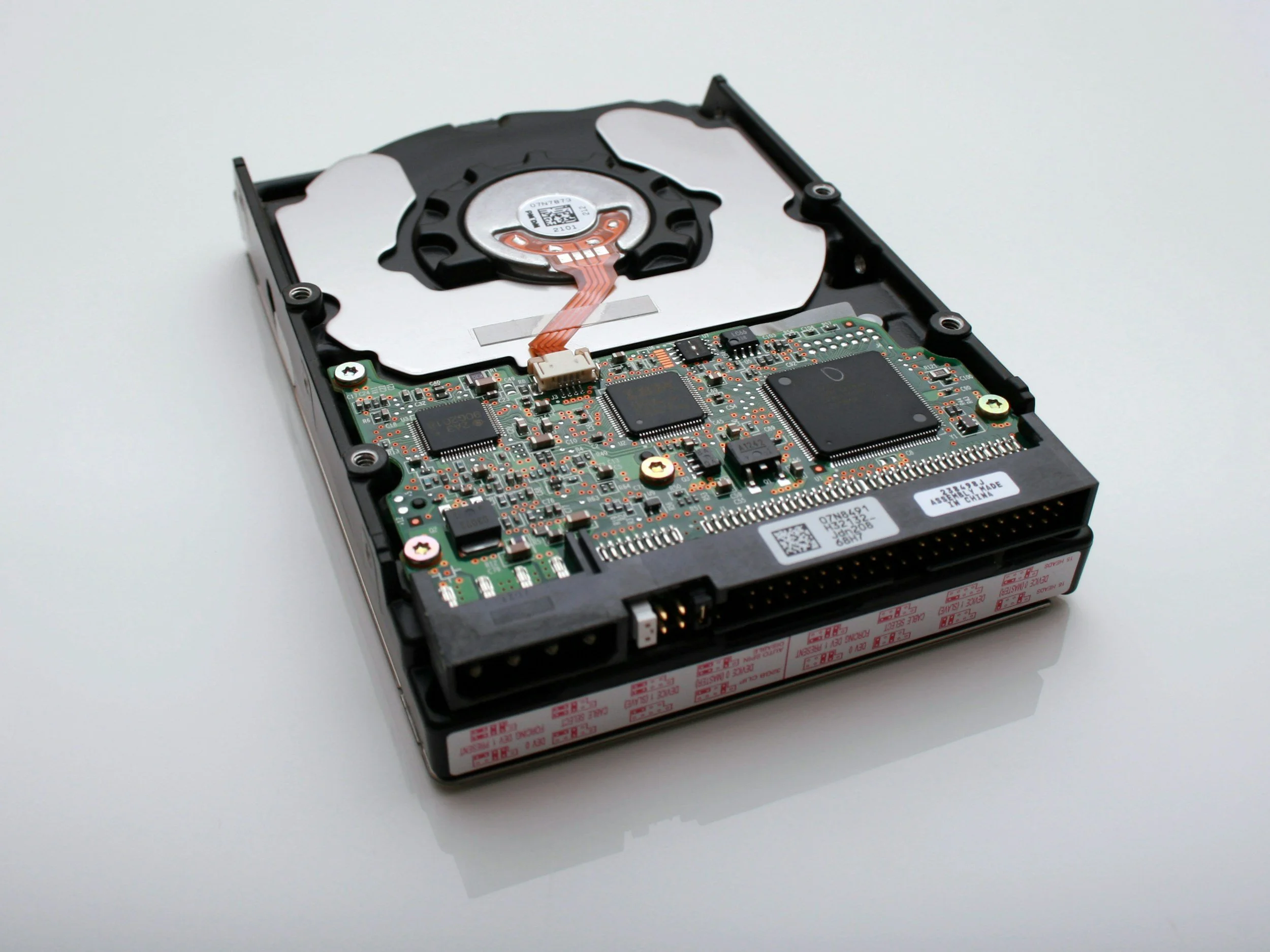
Data Recovery & Backup
Recover lost files and set up automated cloud or local backup systems to prevent future loss.
Learn More

Consultation & Remote Assistance
Quick remote help or hardware advice — get expert answers without leaving your desk.
Learn More

LynqPC Services is part of LynqPC LLC — combining years of PC-building experience with professional IT and repair solutions.
We’re the same team that builds your high-performance systems — now here to keep them running flawlessly.