
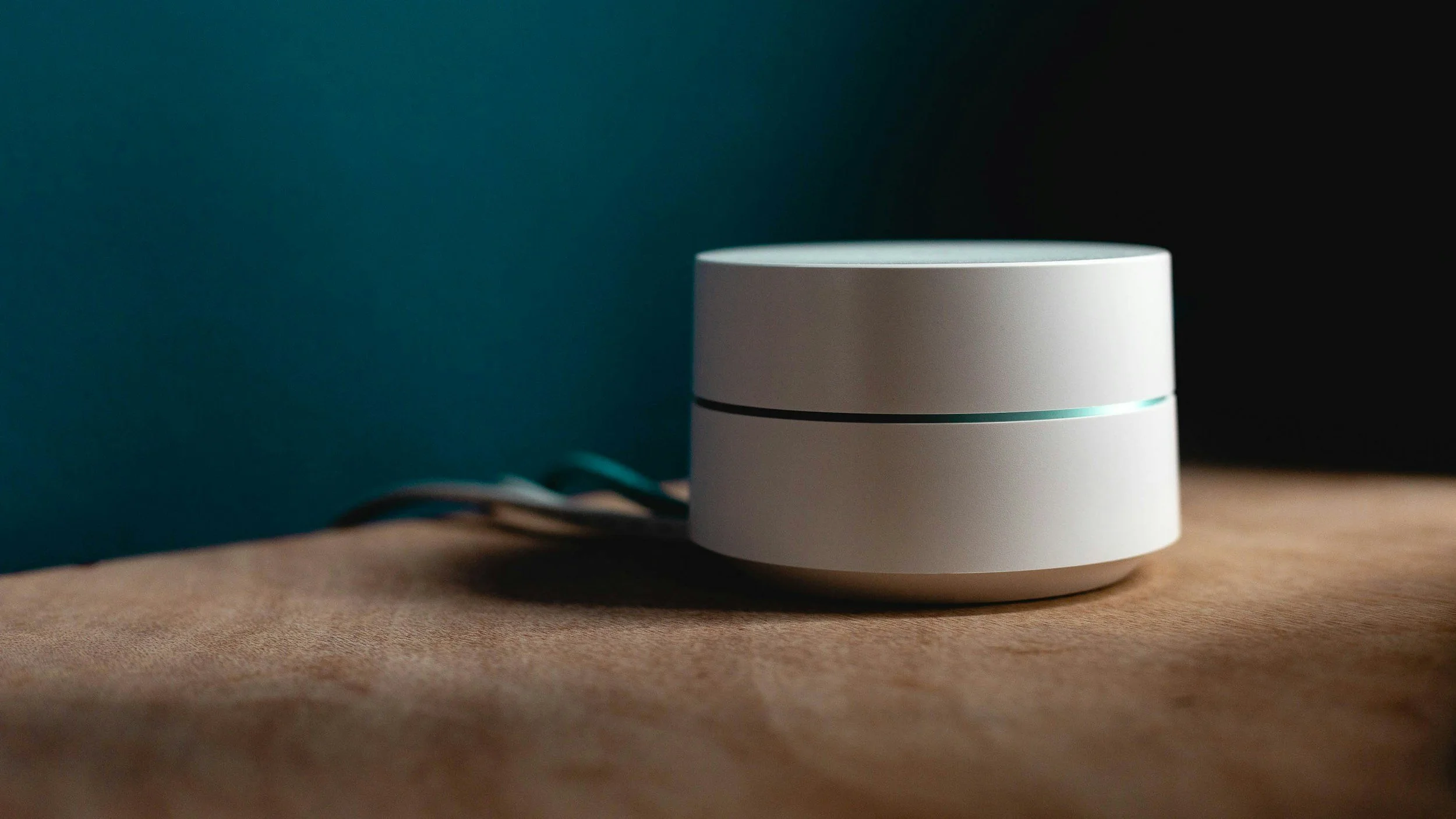
Home Networking Setup
Fast, reliable Wi-Fi and Ethernet installation with full-home coverage — smart home integration available when needed.
Common Issues We Repair
Weak Wi-Fi / Dead Zones
Coverage issues, poor signal through walls.
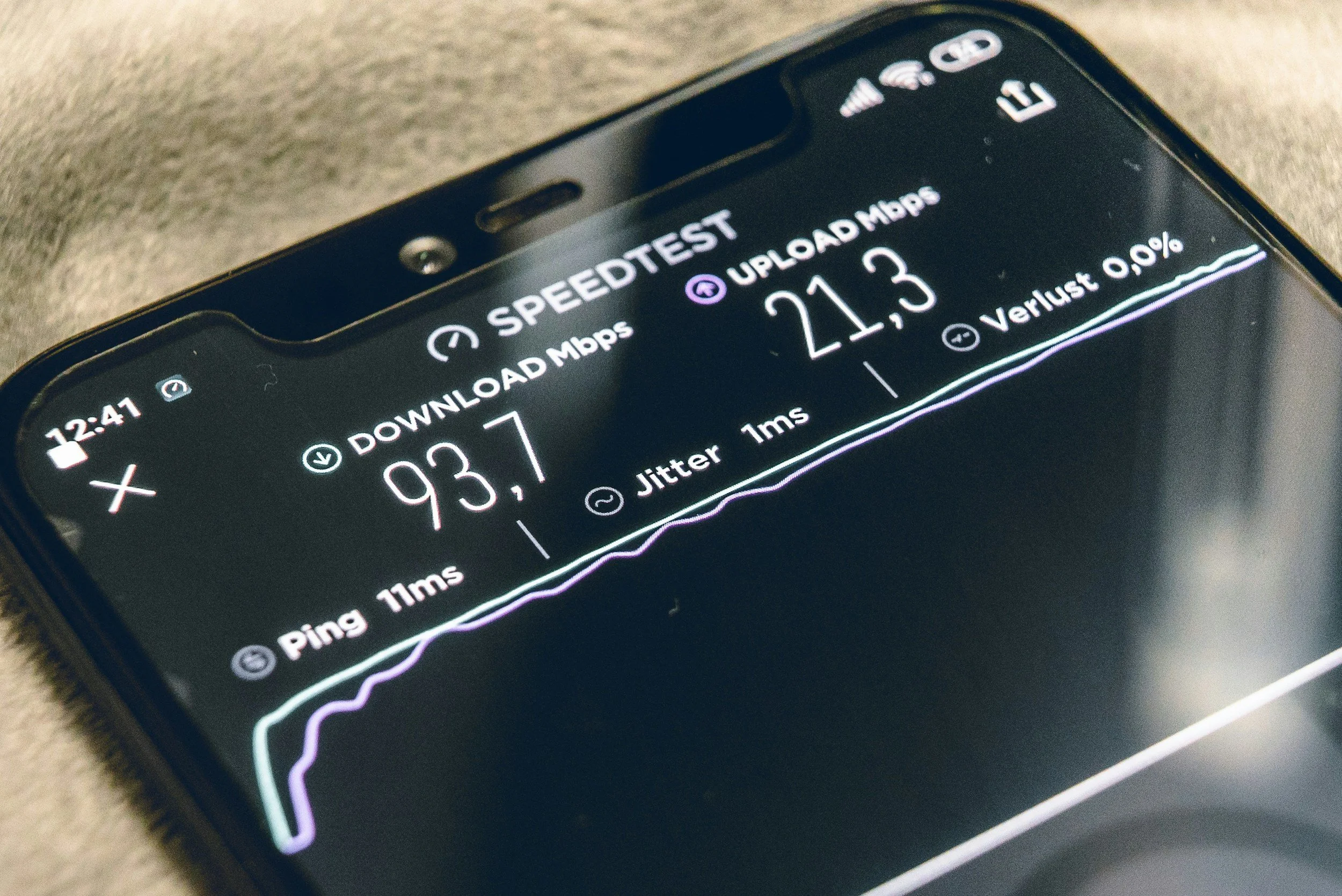
Slow Internet Speeds
Bandwidth bottlenecks, router misconfig, interference.
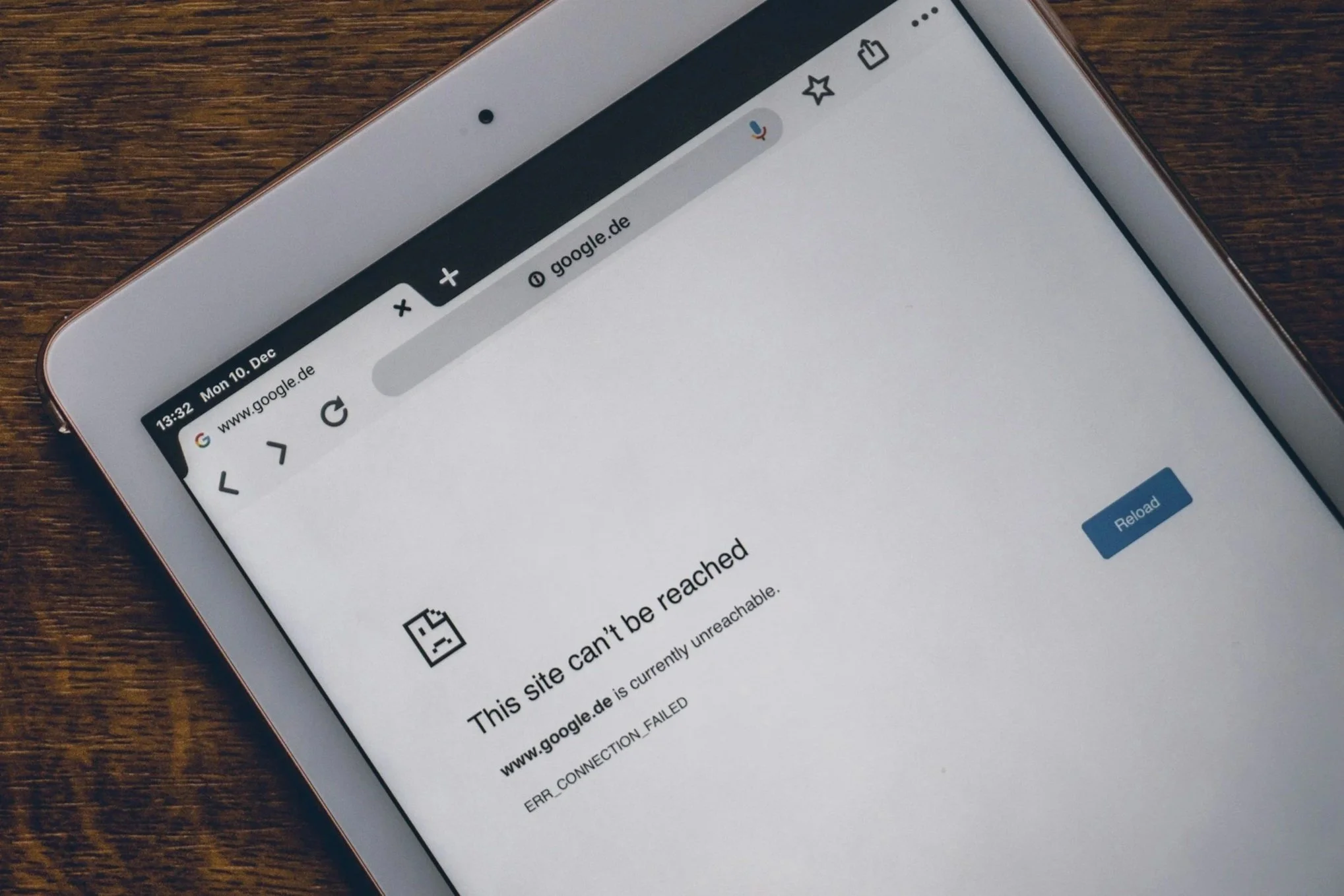
Device Disconnects
Unreliable connections, crowded networks, DHCP issues.
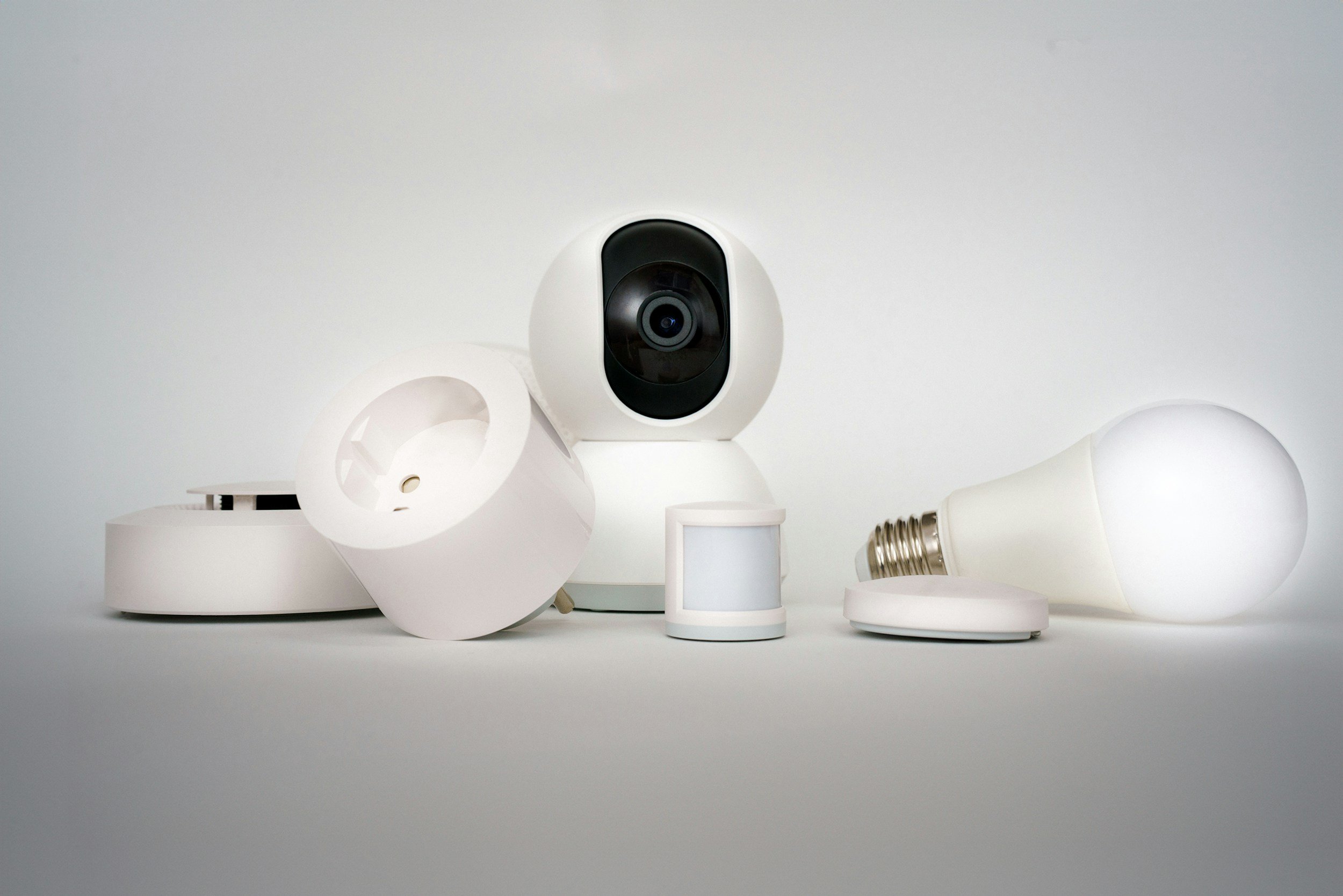
Smart Home
Cameras, plugs, bulbs, hubs, and Wi-Fi appliances.
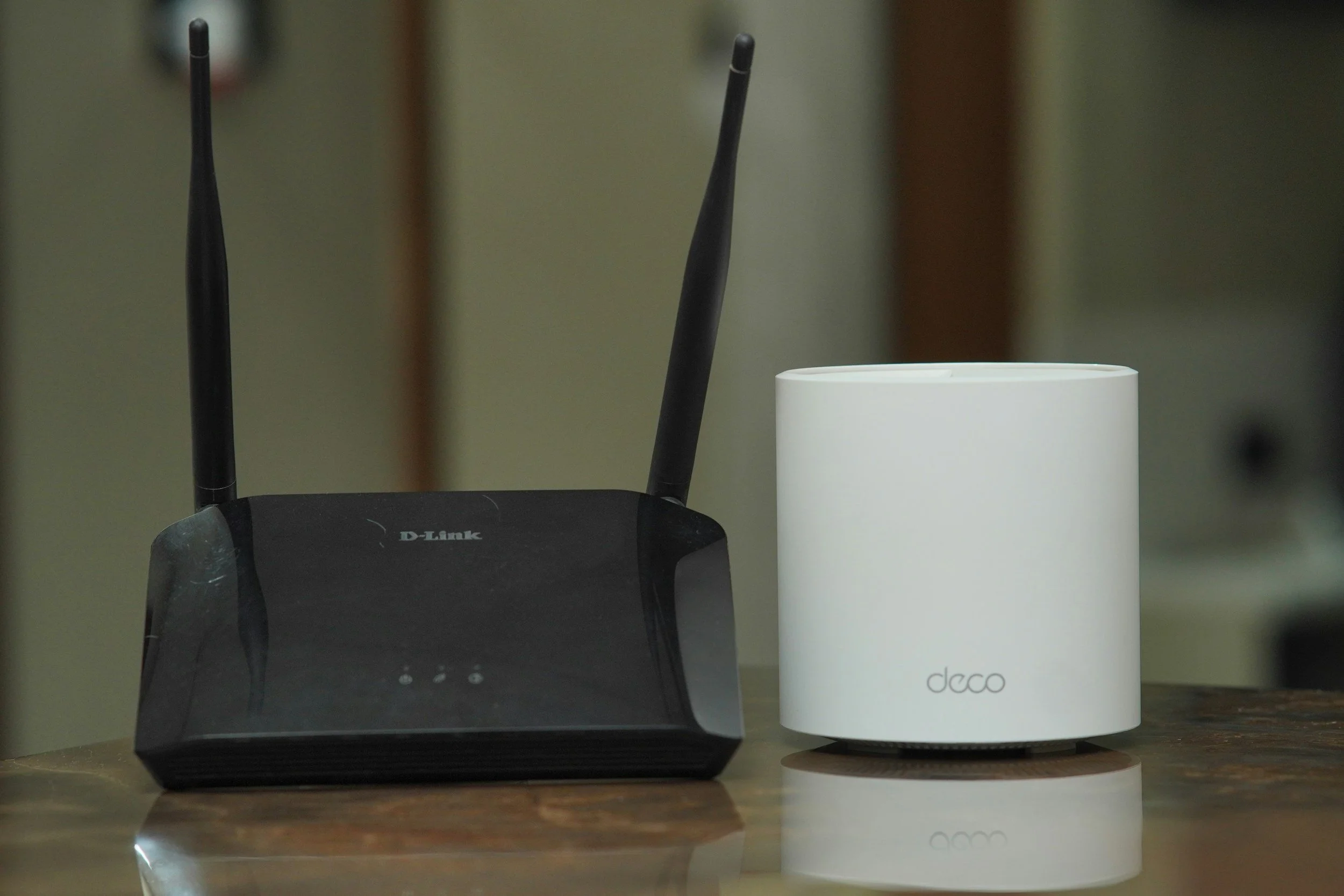
Router / Mesh Upgrades
Optimal placement, configuration, and pairing.
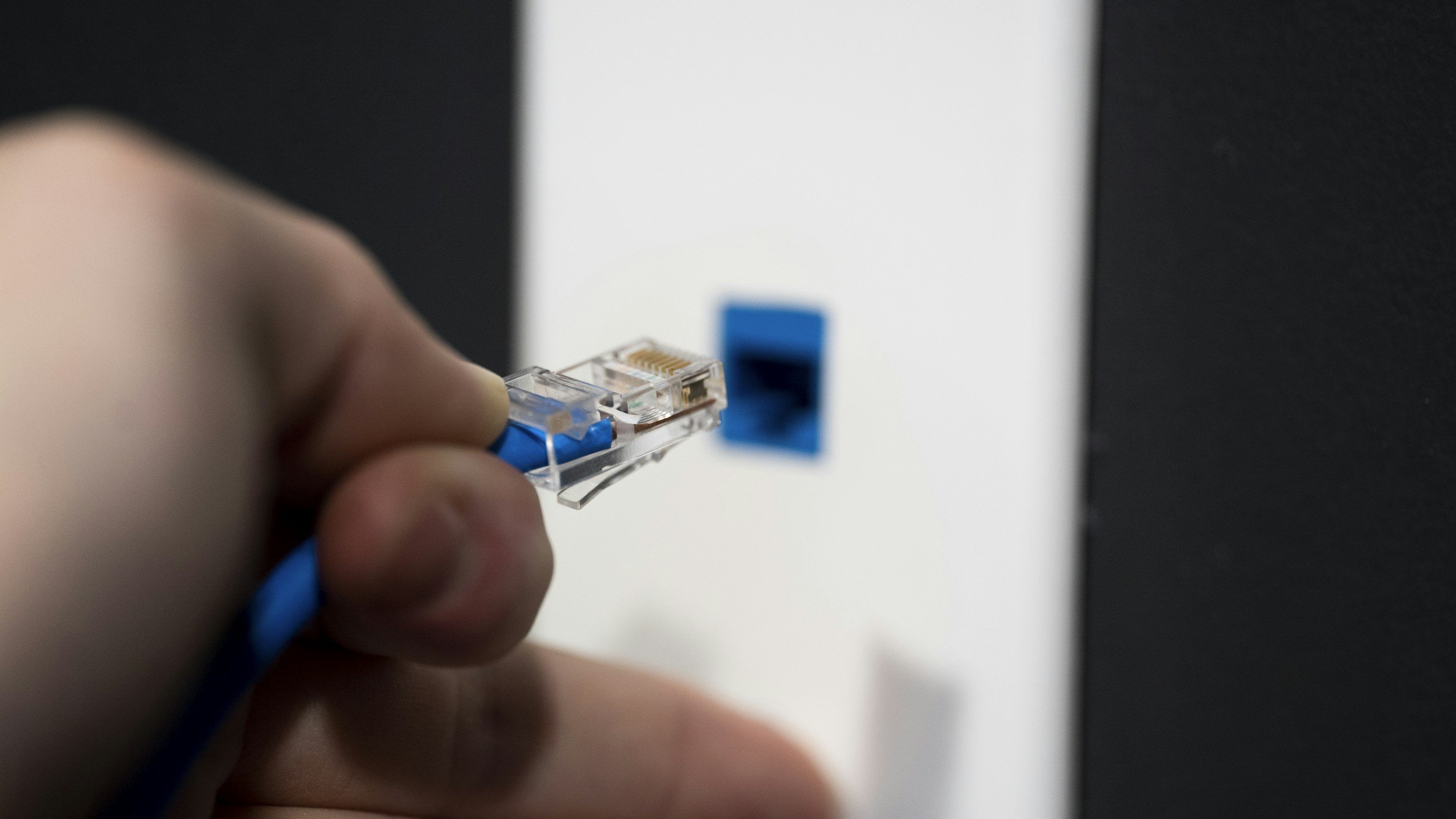
Wired Ethernet Setup
Home office wiring, stability over Wi-Fi.
Core Networking Services
Full home Wi-Fi assessment & coverage mapping
Router placement optimization
Mesh system installation & configuration
Bandwidth and channel optimization (2.4 / 5 / 6 GHz)
Parental controls & guest network setup
Device-by-device connection testing
Security settings (WPA3, password hardening)
Wired & Smart Home Options
Ethernet line installation (room-to-room where accessible)
Switch setup & cable management
Smart home device onboarding (lights, cameras, thermostats, etc.)
Wi-Fi printer setup and sharing
NAS or server connection to the home network
Home office network optimization
Speed testing and ISP plan recommendations
We work with your existing equipment or help recommend the right hardware for your space, budget, and usage.
Transparent Pricing & Estimates
| Category | Typical Range | Includes / Notes |
|---|---|---|
| Home Network Assessment | Free with approved setup $49 stand-alone |
Walkthrough of your layout, hardware check, coverage issues, and a written plan. |
| Wi-Fi Optimization (Existing Gear) | $99 – $169 | Router placement tuning, channel selection, basic reconfiguration, and speed testing. |
| Mesh Wi-Fi Setup | $149 – $299 + hardware | Install and configure mesh system, node placement, SSID/password setup, and coverage check. |
| Ethernet & Wired Setup | $229 – $499 + parts | In-wall or surface runs where accessible, termination to jacks/patch panel, switch setup, and testing at each drop. |
| Smart Home Integration | $129 – $349 + devices | Setup and configuration of smart devices (cameras, lights, locks, plugs, hubs), automation rule creation, network/device grouping, and a short user-walkthrough. Whole-home installations quoted separately. |
| Security & Parental Controls | $119 – $179 | Secure Wi-Fi configuration (WPA2/WPA3), guest networks, profile-based access, and basic router/firewall options. |
| Home Office / WFH Optimization | $119 – $199 | Prioritizing work devices, QoS where available, stability tuning for calls/meetings, and speed checks at the desk. |
| Network Health Check (Light) | $59 – $89 | Quick check of speeds, coverage, and device load, with recommendations for future upgrades. |
| Rush Service | +$50 – $100 | Same-day or next-day appointment when available. |
How It Works
Walkthrough & Assessment
We check your current router, layout, ISP speed, and device load.

Coverage Plan
You get a clear plan for Wi-Fi placement, wiring, mesh nodes, and security.
Installation & Optimization
We install or adjust hardware, optimize channels, secure the network, and run tests.
Final Test & Demo
You get a full-home speed check and a walkthrough of your new setup.
Most networking setups are completed same day — larger homes may take longer depending on wiring/access.

Why Choose LynqPC Services
Practical, real-world experience — not ISP-level scripts
Clean installs with proper cable routing and labeling
Tuning based on actual home layout, not theoretical coverage
Safe, secure configurations from the start
Serving homes across Greater Philadelphia — flexible scheduling
Frequently Asked Questions
-
Different rooms have different materials, distances, and interference sources. We check your layout, router placement, and signal paths to build a plan that covers the entire home evenly.
-
It depends on your home’s size, layout, and wall materials. Some homes only need better placement or tuning; others benefit from 2–3 properly positioned mesh nodes. We’ll recommend what actually fits your space.
-
Yes, where accessible. We can run Ethernet to offices, gaming setups, or media rooms, and set up switches for multi-device areas. If your walls or construction limit wiring, we’ll offer alternative options.
-
Speed can drop due to Wi-Fi interference, old router hardware, poor placement, ISP congestion, or device bottlenecks. We test your speed at multiple points to find the real cause.
-
Yes. We check DHCP conflicts, channel interference, overloaded routers, and firmware issues — all common causes of unstable Wi-Fi.
-
Yes. We can optimize what you already have, or advise on upgrades only if they’re truly needed. There’s no push to buy new hardware unless it’s the best solution.
-
Absolutely. We connect and organize Wi-Fi cameras, plugs, lights, locks, sensors, and hubs, and make sure they’re stable and properly grouped.
-
In many cases, yes. ISP routers often have limited range and weak radios. We can evaluate yours and let you know if an upgrade would meaningfully improve coverage or speed.
-
Most homes take 1–3 hours depending on size, wiring accessibility, and the number of devices. Larger homes or Ethernet work may take longer.
-
Yes. We recommend hardware based on your home’s size, construction, and number of devices — not based on branding or upsells.
-
Yes. We configure secure passwords, encryption (WPA2/WPA3), guest networks, and disable risky features. We can review smart home privacy settings as well.
-
If you want — yes. We can show you how to check connected devices, change passwords, update firmware, and understand basic troubleshooting.

Ready to solve it?
Get a fast estimate today — tell us the symptoms and your goals.
Related Services

PC Repair and Upgrades
Diagnostics, cleaning, and hardware replacements to bring any desktop or laptop back to peak condition.
Learn More

Mac Repair & Optimization
Battery, SSD, and thermal servicing for MacBooks and iMacs — with careful, warranty-safe handling.
Learn More

Performance Optimization
System tune-ups, OS reinstalls, and thermal management for faster, cooler, quieter computers.
Learn More

Consultation & Remote Assistance
Quick remote help or hardware advice — get expert answers without leaving your desk.
Learn More

LynqPC Services is part of LynqPC LLC — combining years of PC-building experience with professional IT and repair solutions.
We’re the same team that builds your high-performance systems — now here to keep them running flawlessly.