
Performance Optimization
System tune-ups, OS reinstalls, and thermal management for faster, cooler, quieter computers — Windows and macOS.
Common Issues We Repair

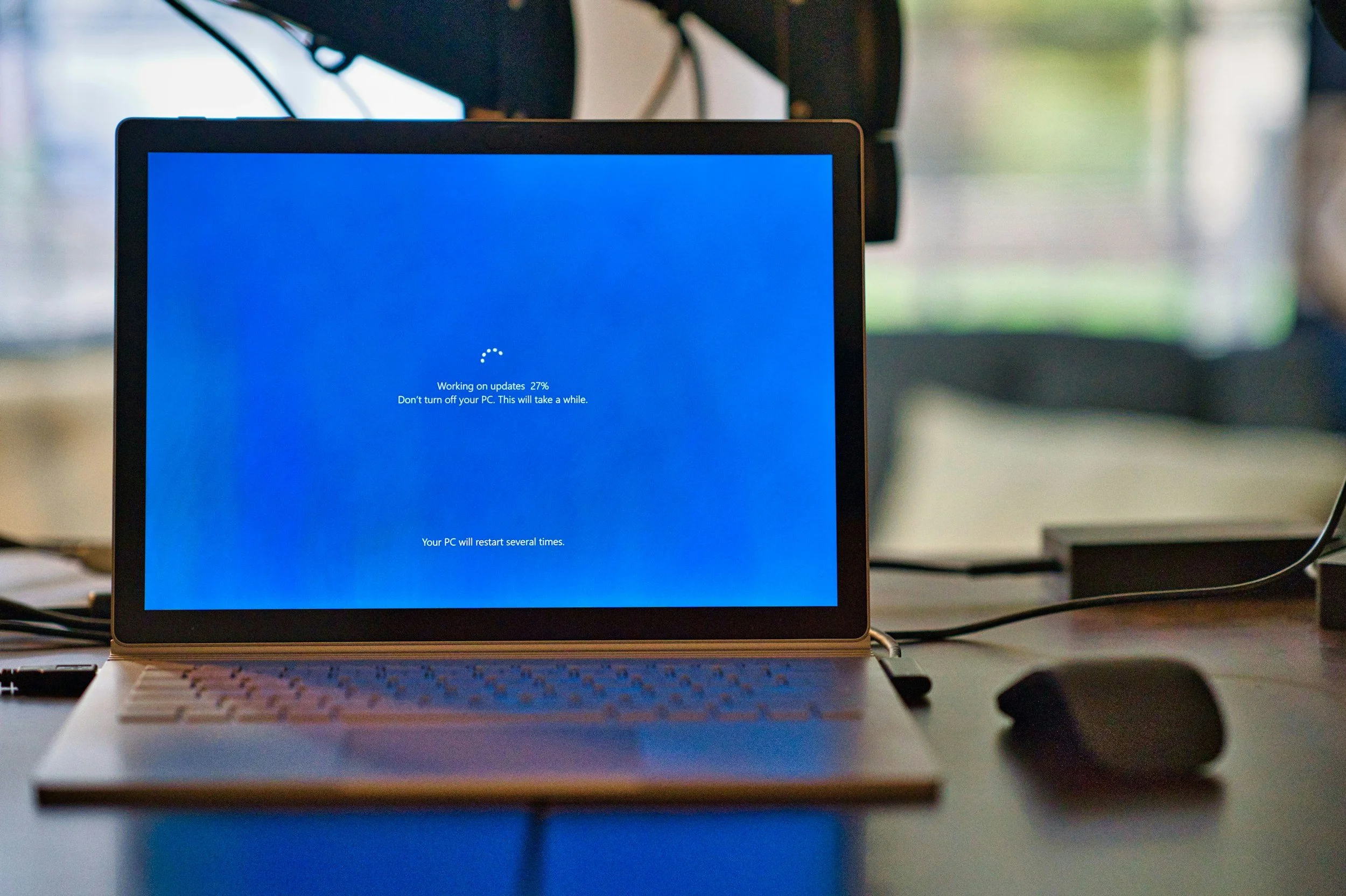
Slow or Freezing
Background clutter, outdated software, poor resource usage.
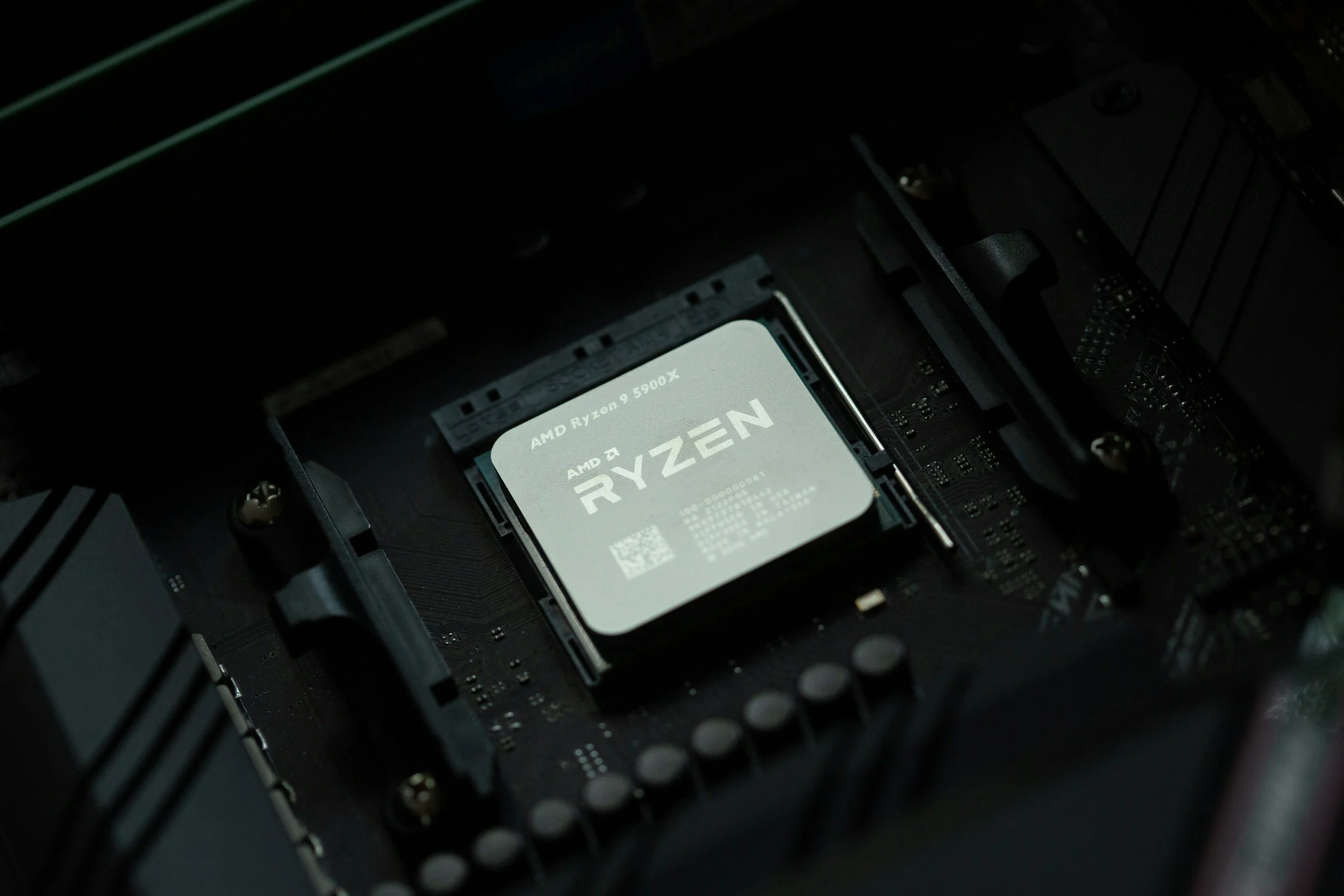
High CPU / 100% Disk
Runaway processes, bad drivers, misconfigured services.
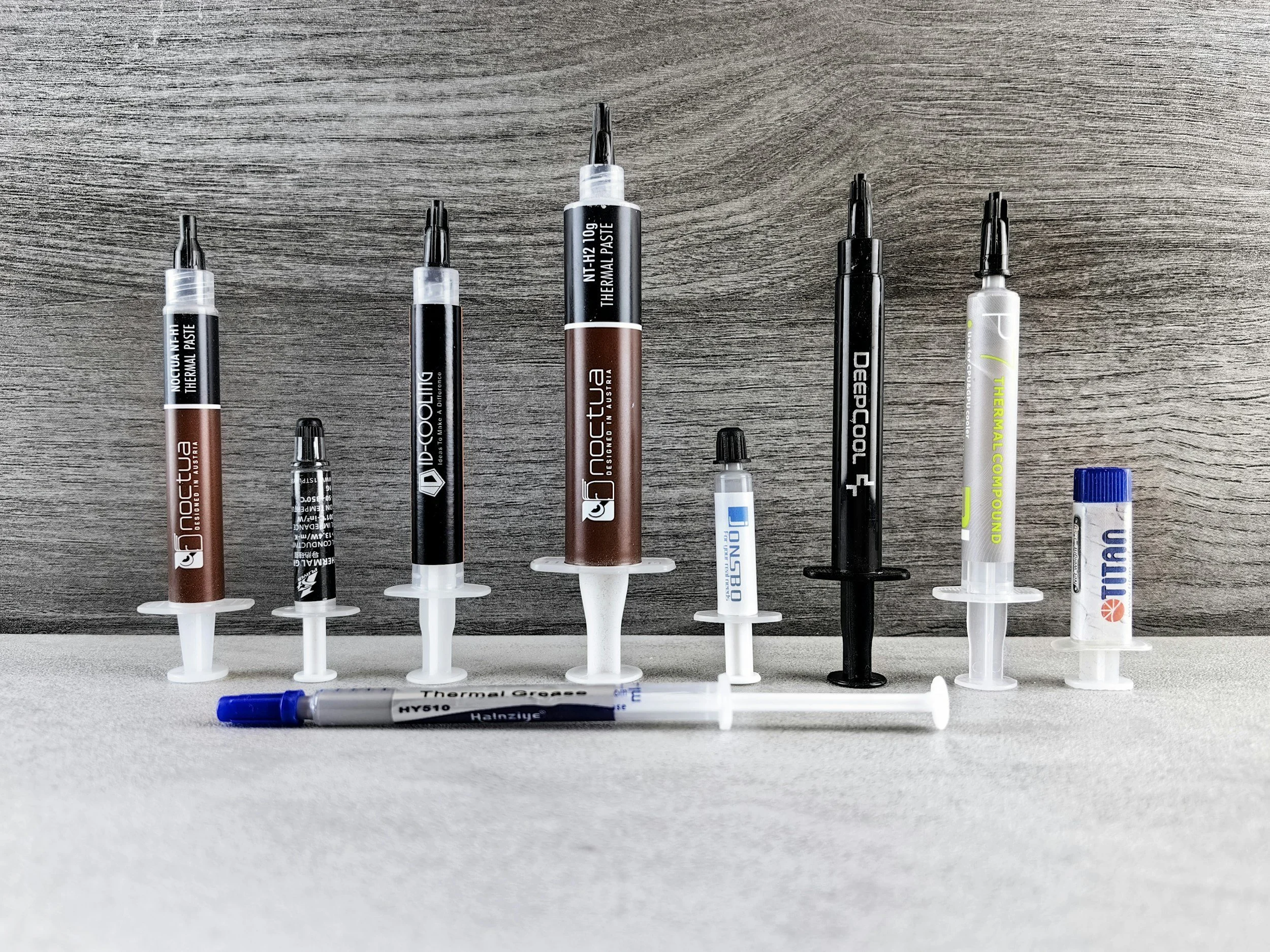
Overheating / Loud Fans
Poor airflow, dust buildup, aggressive boost behavior.
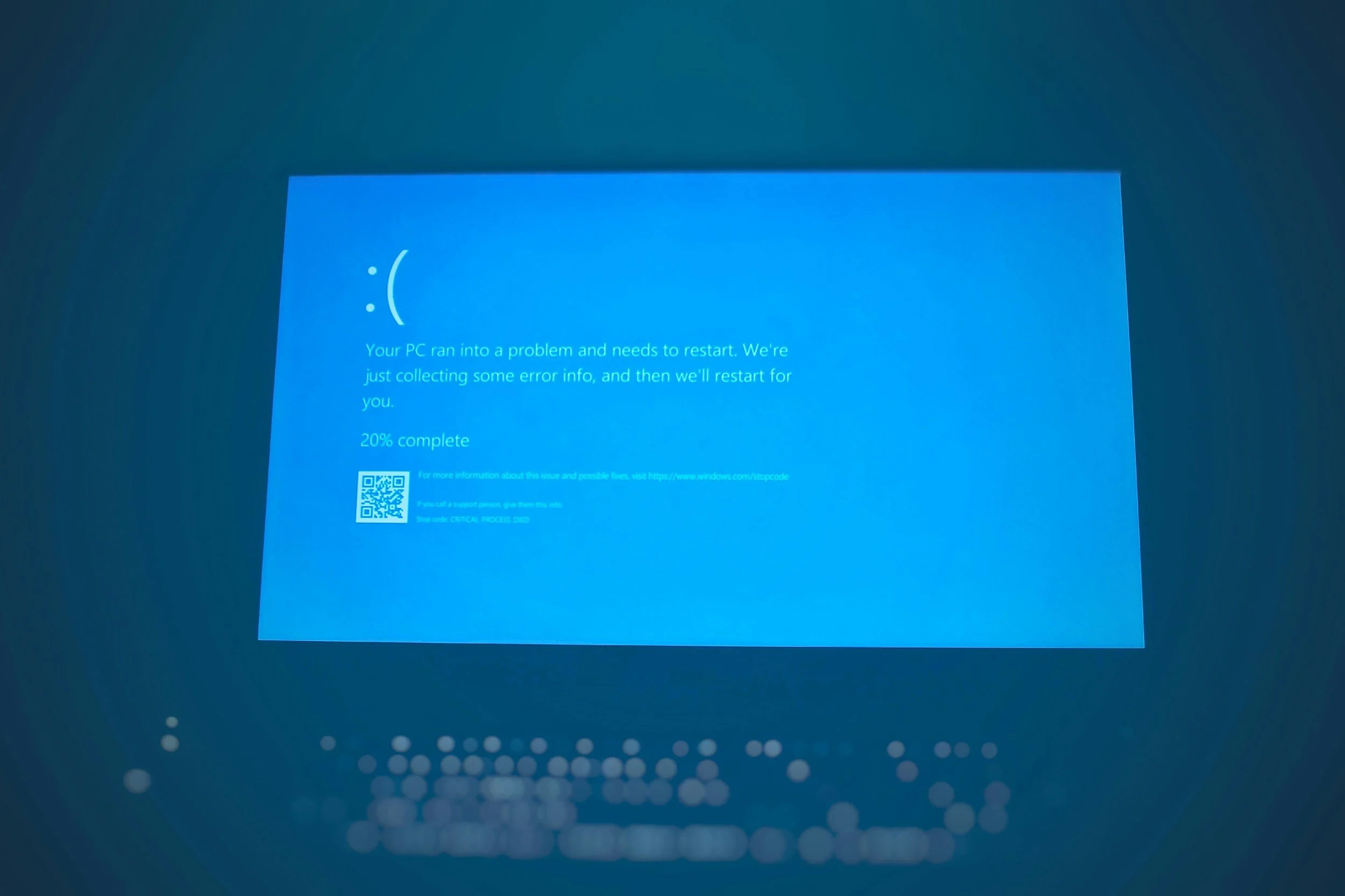
Long Startup / Login
Too many startup items, services, and scheduled tasks.
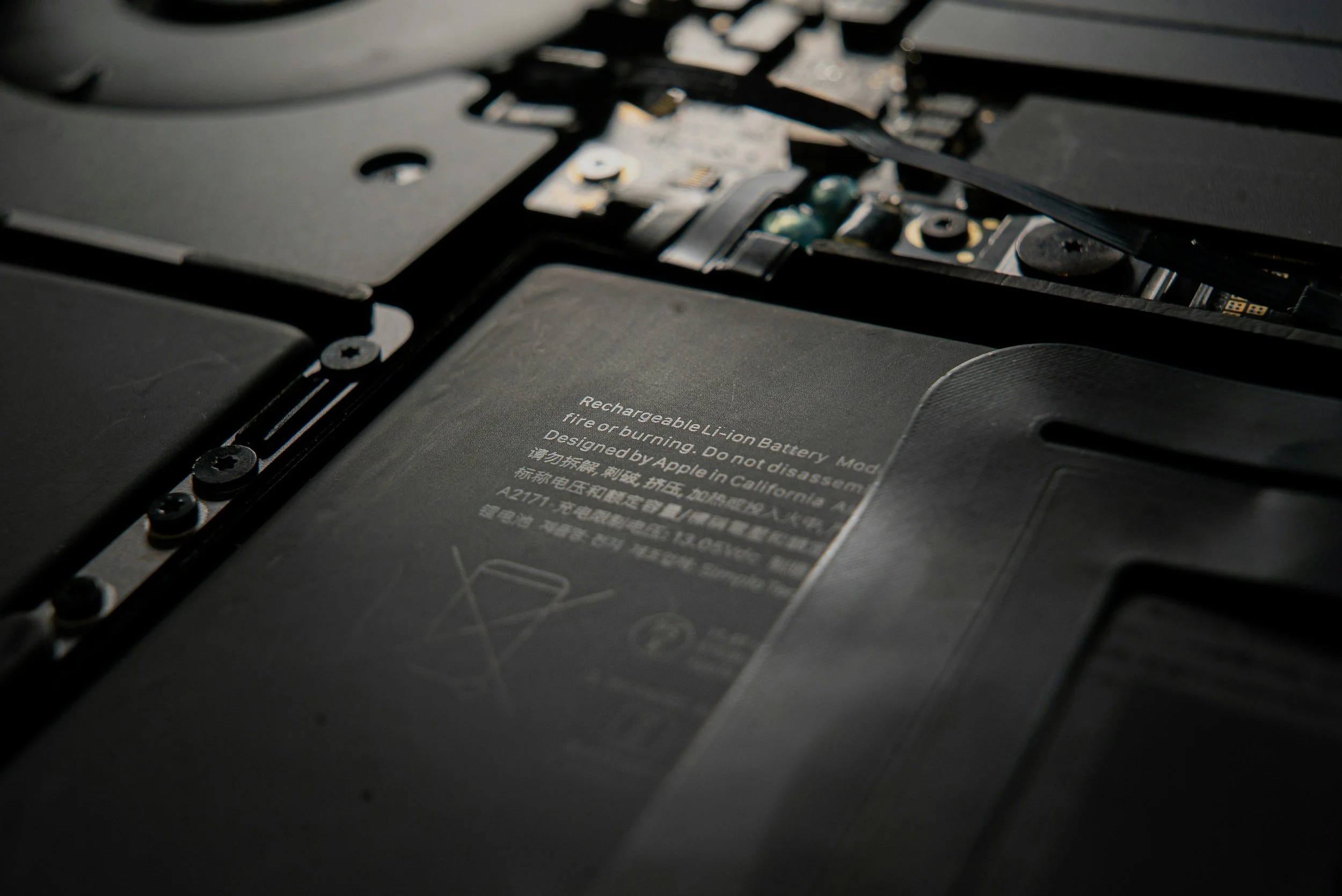
Short Battery Life (Laptop)
Power profiles, background apps, and thermal issues.

Stutters in Games / Apps
Unbalanced settings, thermal throttling, wrong drivers.
Core Optimization Services
Full system health & performance diagnostics
OS cleanup or reinstall (Windows / macOS)
Startup & background process optimization
Driver and update sanity check
Disk cleanup and storage health check (HDD/SSD)
Thermal & fan-curve tuning (where supported)
Basic malware/adware scan and removal
Final benchmarks or before/after measurements
Optional Enhancements
Gaming & creator performance profiles
Per-app performance tuning (OBS, Adobe, etc.)
Power plan optimization (desktop & laptop)
Storage layout planning (OS vs games vs data)
Light BIOS/UEFI tuning for stability & temps
Consultation on future upgrades (CPU/GPU/SSD/RAM)
We focus on safe, reversible changes and explain what we’re doing at every step. No “mystery optimizer” tools, no data wiped without your approval.
Transparent Pricing & Estimates
| Category | Typical Range | Includes / Notes |
|---|---|---|
| Diagnostics & Baseline Check | Free with approved service $39 stand-alone — applied to repair cost |
Performance, thermal, and health check with a written optimization plan. |
| Standard Tune-Up | $89 – $129 | Startup cleanup, background app audit, disk cleanup, driver and update check. |
| Deep OS Refresh & Optimization | $129 – $189 | OS reinstall or repair, app reinstall support, full tune-up, and stability-focused tweaks. |
| Gaming / Creator Optimization | $149 – $229 | Game/app-specific tuning, graphics settings, power profiles, and in-game/creator benchmarks. |
| Startup & App Cleanup | $79 – $119 | Removal of unnecessary startup items, scheduled tasks, and “optimizer” bloatware. |
| Thermal & Noise Optimization | $99 – $179 | Dust cleaning, fan curve tuning, thermal checks, and airflow suggestions. Thermal paste as needed. |
| Battery & Power Profile Tuning | $79 – $129 | Custom power plans for plugged-in vs battery use, background app review, and screen/idle tuning. |
| Performance Health Check (Light) | $59 – $89 | Quick health snapshot, temperature and usage review, recommendations for future upgrades. |
| Rush Service | +$50 – $75 | Same-day or next-day optimization when available. |
How It Works
Check-In & Baseline
We talk through your issues (slowdowns, noise, temps) and run a baseline performance and health check.

Plan & Quote
We outline what’s dragging your system down and suggest options — from light tune-up to deeper optimization.
Optimization Session
We apply changes, clean up the system, adjust settings, and tune thermals and power behavior.
Final Test & Summary
We re-test performance, temps, and noise, then walk you through what changed and how to keep it running well.
Typical turnaround: 1–3 business days (parts availability may vary).

Why Choose LynqPC Services
We tune systems based on actual component behavior — not one-size-fits-all software.
Balanced profiles that improve speed and thermals without sacrificing stability.
Before/after measurements let you clearly see the improvement.
You know what was changed, why it mattered, and how it affects everyday use.
Local, appointment-based service for the Greater Philadelphia area
Frequently Asked Questions
-
No. Most tune-ups don’t touch your files. If an OS reinstall is recommended, we’ll discuss backup options first and get your approval before making any changes.
-
Yes — completely. We manually adjust system settings, services, startup items, drivers, thermals, and power behavior. No automated “optimizer” tools or risky registry hacks.
-
Yes. We optimize laptops and desktops for both platforms, including gaming rigs, workstations, school laptops, and older systems.
-
Yes. We diagnose cooling issues, clean the system, adjust fan curves, check thermal paste (if applicable), and tune settings to reduce noise and heat.
-
Most optimizations take same day or next business day, depending on the level of work and whether an OS reinstall or thermal service is included.
-
Usually, yes. We tune graphics settings, power profiles, background apps, and thermals — all of which can improve FPS and reduce stutters.
-
Absolutely. We configure performance profiles for editing, rendering, streaming, and other resource-heavy tasks.
-
Sometimes. New PCs can still ship with poor fan curves, unnecessary startup apps, and inefficient settings. A light optimization can improve temps and stability.
-
No. We only adjust software and reversible settings. Hardware changes are only done with your approval and never in a way that voids your warranty.
-
Yes. Every optimization includes simple tips for keeping your system fast and clean without installing extra tools.
-
Most clients only need it occasionally — when things slow down or after major updates. Heavy users (gamers/creators) sometimes schedule seasonal tune-ups.

Ready to solve it?
Get a fast estimate today — tell us the symptoms and your goals.
Related Services

PC Repair and Upgrades
Diagnostics, cleaning, and hardware replacements to bring any desktop or laptop back to peak condition.
Learn More

Mac Repair & Optimization
Battery, SSD, and thermal servicing for MacBooks and iMacs — with careful, warranty-safe handling.
Learn More
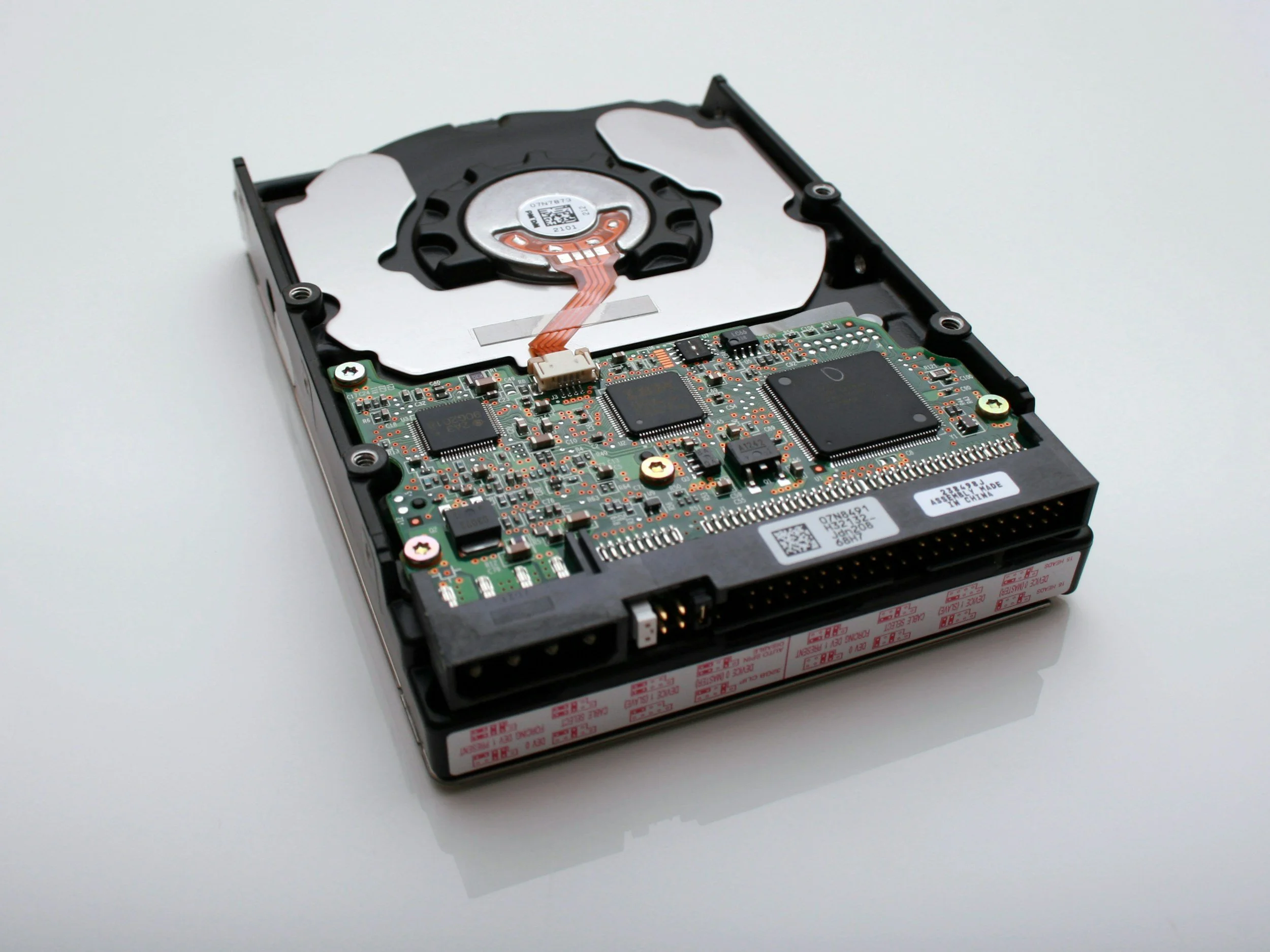
Data Recovery & Backup
Recover lost files and set up automated cloud or local backup systems to prevent future loss.
Learn More

Consultation & Remote Assistance
Quick remote help or hardware advice — get expert answers without leaving your desk.
Learn More
LynqPC Services is part of LynqPC LLC — combining years of PC-building experience with professional IT and repair solutions.
We’re the same team that builds your high-performance systems — now here to keep them running flawlessly.