
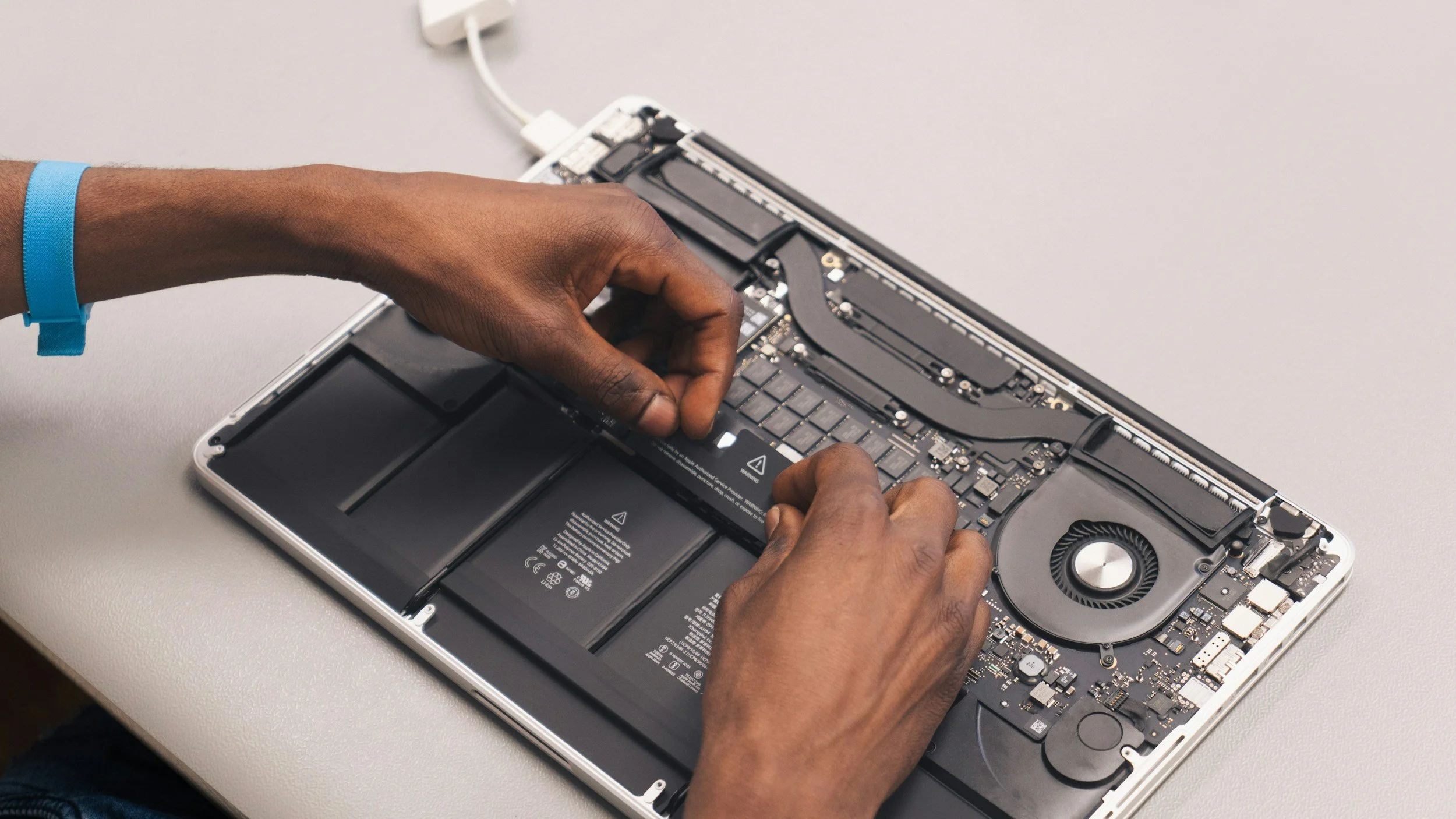
Mac Repair & Optimization
Professional diagnostics, cleanup, and hardware upgrades for macOS devices — from older Intel Macs to the newest Apple Silicon models.
Common Issues We Repair
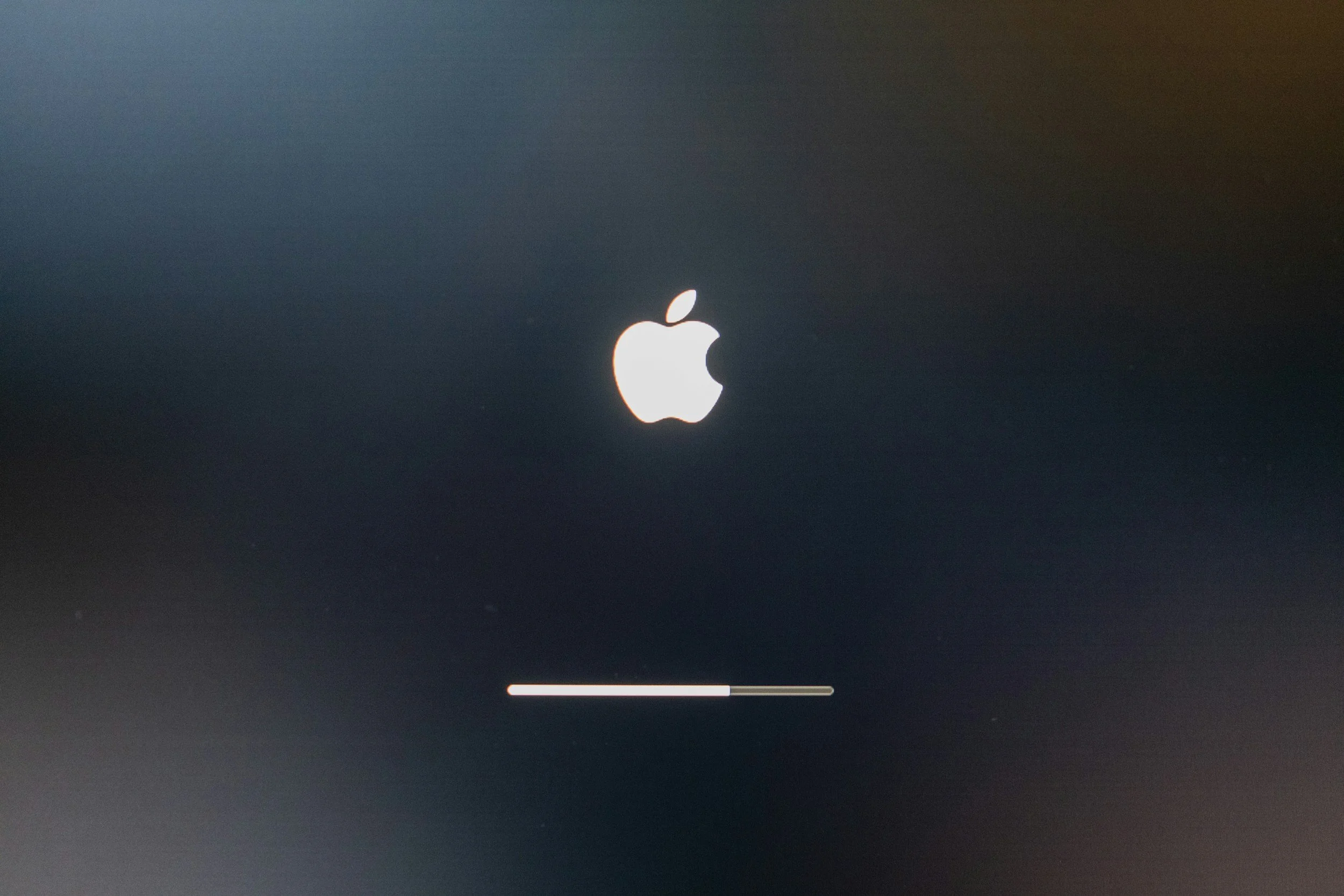
Won’t Start / Stuck
Loading bar, boot loops, update failures.

Slow Performance
Cleanup, optimization, macOS refresh.
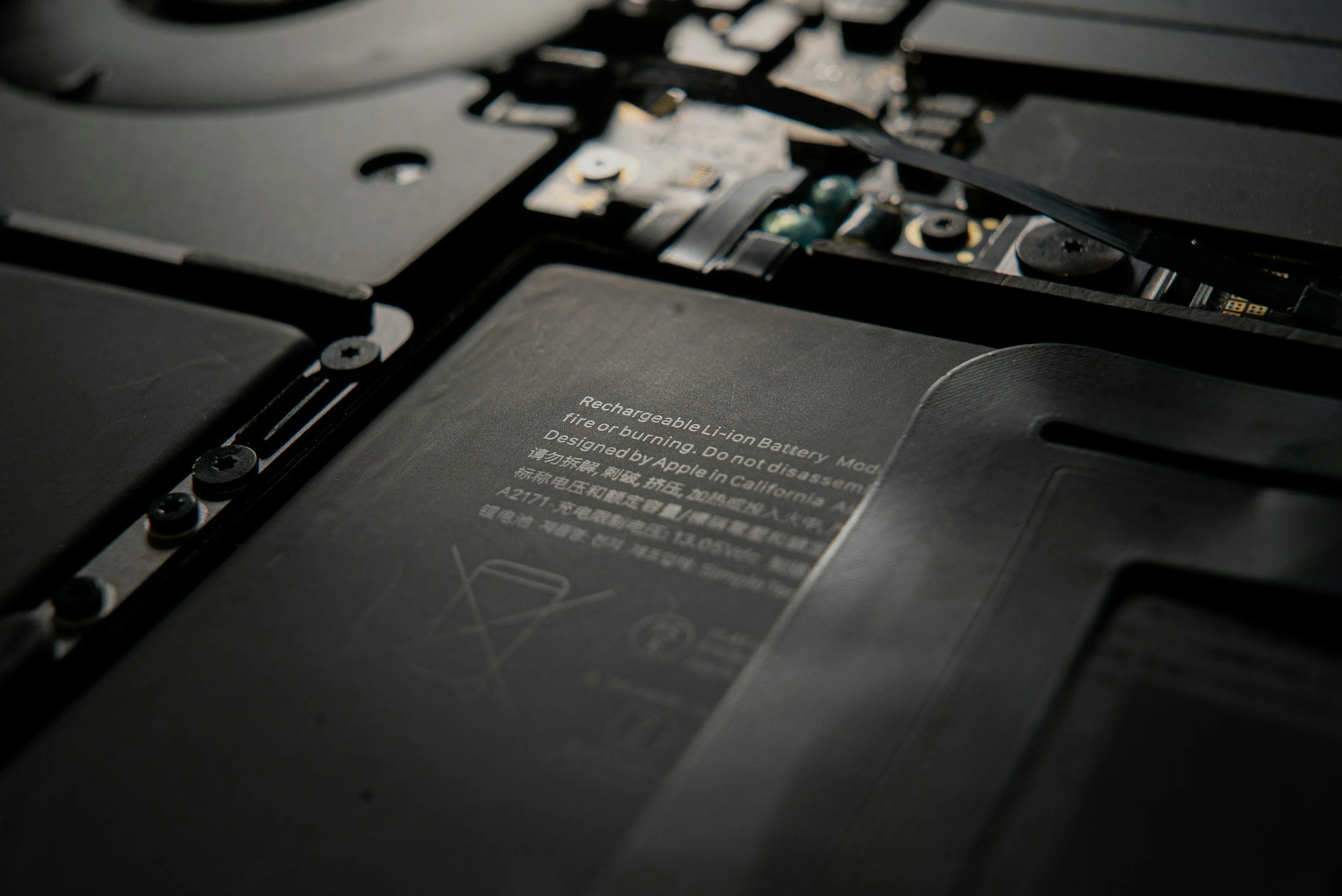
Battery / Power Issues
Fast drain, swelling, charging problems.

Keyboard / Trackpad
Sticky keys, clicks, gestures, input faults.
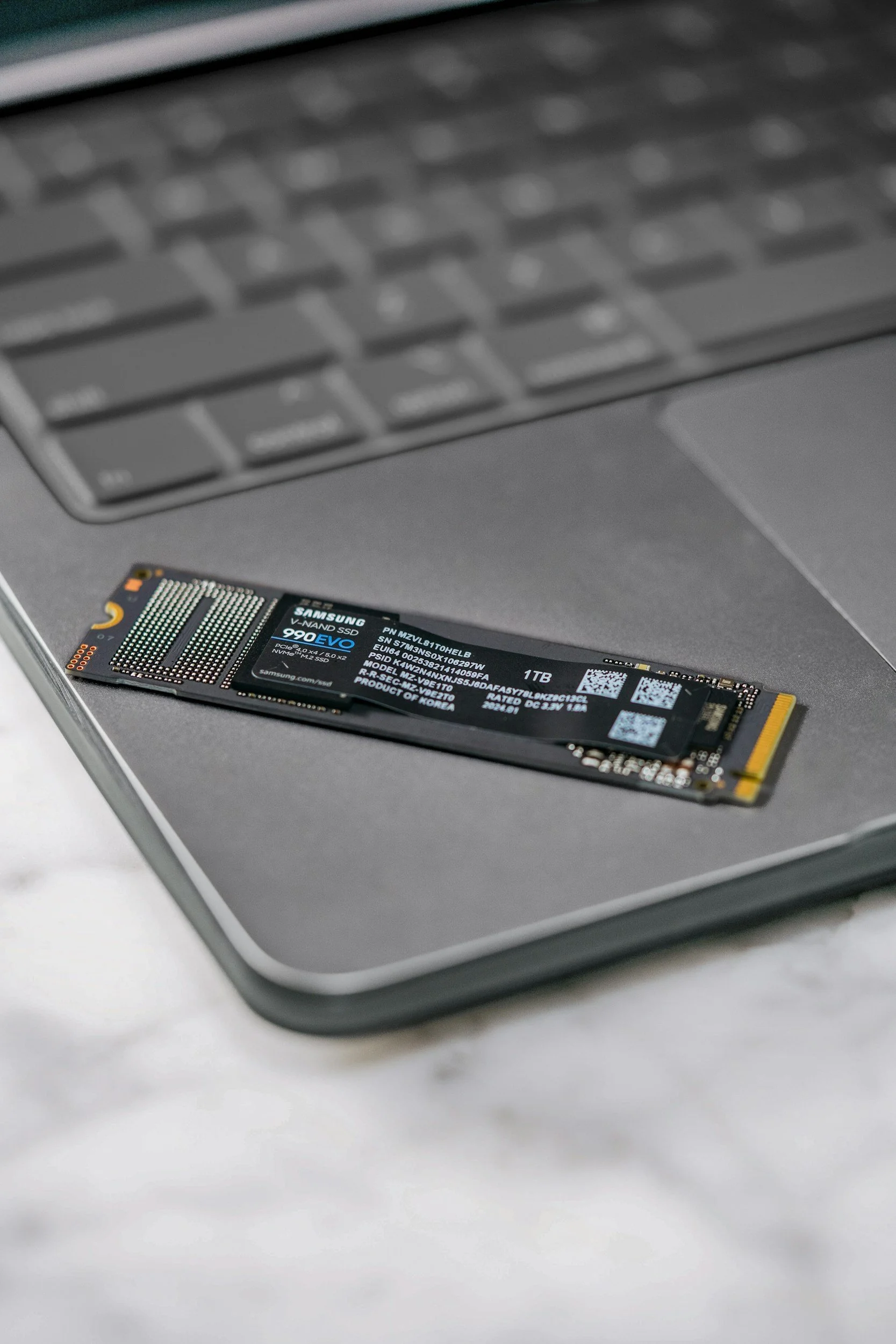
Storage & Data
SSD upgrades, cloning, recovery options.
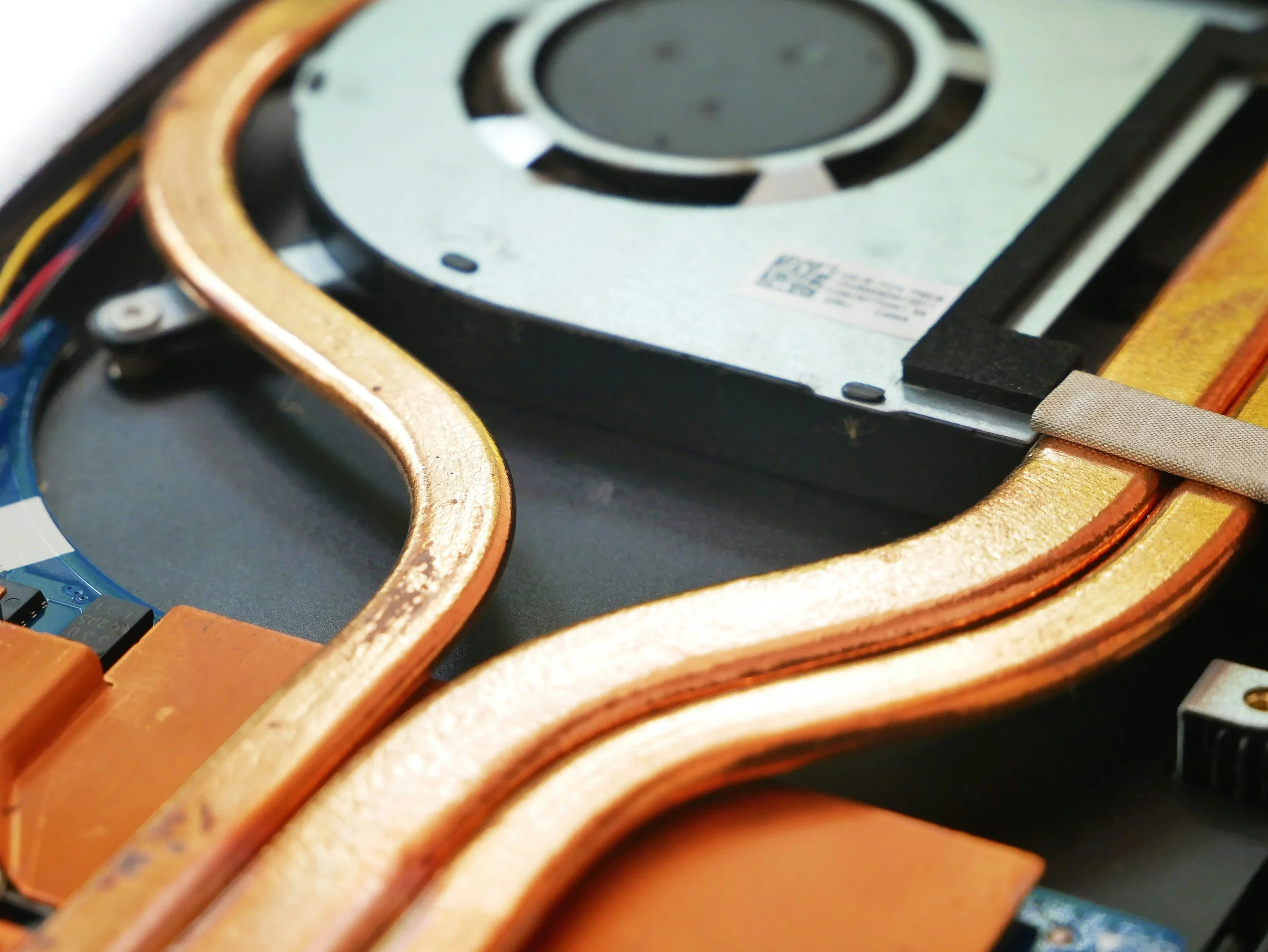
Overheating / Loud Fans
Cleaning, repaste (Intel), airflow tuning.
Core Mac Repair Services
Full hardware & software diagnostics
macOS repair/reinstall
Malware removal + login item cleanup
Battery health check + power cycle assessment
Keyboard/trackpad troubleshooting
Thermal inspection + fan tuning (Intel Macs)
Final verification + performance summary
Common Mac Upgrades
SSD upgrades (Intel MacBooks, iMacs, Mac minis)
RAM upgrades (older iMac/Mac mini/Mac Pro models)
Battery replacement for supported MacBooks
Fan/thermal service for Intel devices
External SSD optimization for Apple Silicon devices
Data migration to new Mac or fresh installs
Transparent Pricing & Estimates
| Category | Typical Range | Includes / Notes |
|---|---|---|
| Diagnostics | Free with approved repair $39 stand-alone — applied to repair cost |
Full Mac hardware & software check, thermal and battery analysis, written estimate. |
| macOS Repair & Tune-Up | $99 – $149 | macOS reinstall/refresh, malware removal, login item cleanup, performance optimization. |
| Battery / Charging Repairs | $129 – $249 + parts | Battery replacement (supported models), charging port inspection, power system testing. |
| Storage Upgrade & Clone | $149 – $249 + parts | SSD upgrade (Intel models), macOS cloning, data migration, and full system testing. |
| Keyboard / Trackpad / Ports | $139 – $299 + parts | Keyboard, trackpad, speaker, hinge, and USB-C/TB port repairs for supported Mac models. |
| Thermal Cleaning & Fan Service | $89 – $159 | Dust removal, thermal repaste (Intel Macs), fan tuning, heat management optimization. |
| Display / Logic Board Repairs | $249 – $699 + parts | Screen repair, display cable issues, logic board troubleshooting, liquid damage assessment. |
| Data Recovery (Light) | $149 – $299 | File-level recovery for drives that still power on. Advanced recovery quoted separately. |
| Rush Service | +$50 – $100 | Same-day or next-day turnaround when available. |
How It Works
Check-In & Evaluation
We run hardware diagnostics, look at performance logs, and verify symptoms.

Plan & Estimate
You get clear options — repair, optimize, or upgrade — with transparent pricing.
Repair / Optimization
We apply fixes, install parts when needed, refresh macOS settings, and optimize performance.
Final Test & Pickup
Battery, thermals, and system behavior are rechecked. You receive simple maintenance tips for longevity.
Typical turnaround: 1–3 business days (depending on model and parts availability).

Why Choose LynqPC Services
We work with both Intel and Apple Silicon Macs
Honest diagnostics — no unnecessary part replacements
Proper opening tools and safe disassembly practices
Performance tuning that respects macOS limitations
Clean communication & consistent updates
Serving Philadelphia and nearby areas with drop-off by appointment
Frequently Asked Questions
-
Yes. We service Intel Macs and Apple Silicon models (M1, M2, M3, M4). Some hardware repairs differ by model, but diagnostics and software work are fully supported.
-
Yes. We replace batteries on supported MacBook Air and MacBook Pro models. We’ll check your model number first to confirm compatibility and part availability.
-
Absolutely. We run full hardware and software diagnostics, check power delivery, and evaluate common failure points. Diagnosis is free with an approved repair.
-
Yes. We perform thermal cleaning, repaste (Intel Macs), fan service, and macOS optimization. A slow Mac is usually fixable without replacing major parts.
-
Often, yes. If the drive still powers on, we can recover files. Liquid damage or dead SSDs may require advanced recovery, which we will quote separately.
-
Yes. We offer both clean installs and “keep-my-data” reinstalls. We’ll recommend the best option based on your Mac’s condition.
-
We can upgrade storage and RAM on older Intel-based Macs. Most Apple Silicon models have soldered components, but we offer fast external SSD options for them.
-
Yes. We handle keyboard/trackpad replacements and port repairs for supported models. We’ll first confirm whether your device uses a glued-in or modular part.
-
Yes. Screen repairs are available for many models. Cost varies by display type (standard vs Retina), backlight condition, and availability of quality parts.
-
We can assess liquid-damaged Macs and perform board-level cleaning and part replacement when possible. Severe damage may require a board replacement.
-
Most repairs take 1–3 business days, depending on parts availability. Rush service is available when possible.
-
We use high-quality OEM-grade or original parts depending on model and availability. We’ll always explain the options and their differences upfront.
-
Yes. Most repairs include a 30-day labor warranty. Parts carry manufacturer warranties where applicable.

Ready to solve it?
Get a fast estimate today — tell us the symptoms and your goals.
Related Services

Performance Optimization
System tune-ups, OS reinstalls, and thermal management for faster, cooler, quieter computers.
Learn More
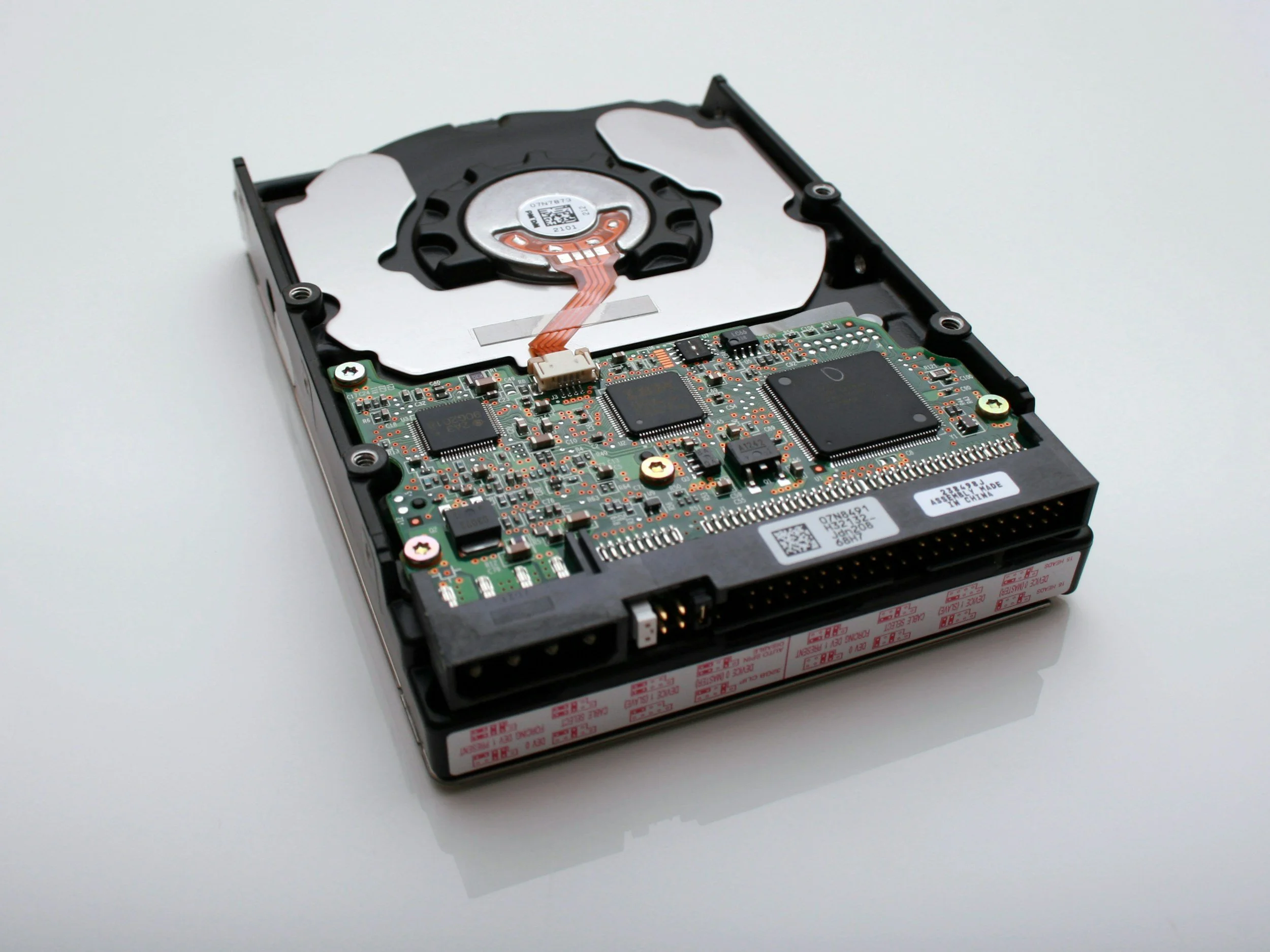
Data Recovery & Backup
Recover lost files and set up automated cloud or local backup systems to prevent future loss.
Learn More

Consultation & Remote Assistance
Quick remote help or hardware advice — get expert answers without leaving your desk.
Learn More

PC Repair and Upgrades
Diagnostics, cleaning, and hardware replacements to bring any desktop or laptop back to peak condition.
Learn More

LynqPC Services is part of LynqPC LLC — combining years of PC-building experience with professional IT and repair solutions.
We’re the same team that builds your high-performance systems — now here to keep them running flawlessly.