

Consultation & Remote Assistance
Quick remote help or hardware advice — get expert answers without leaving your desk.
Common Issues We Repair
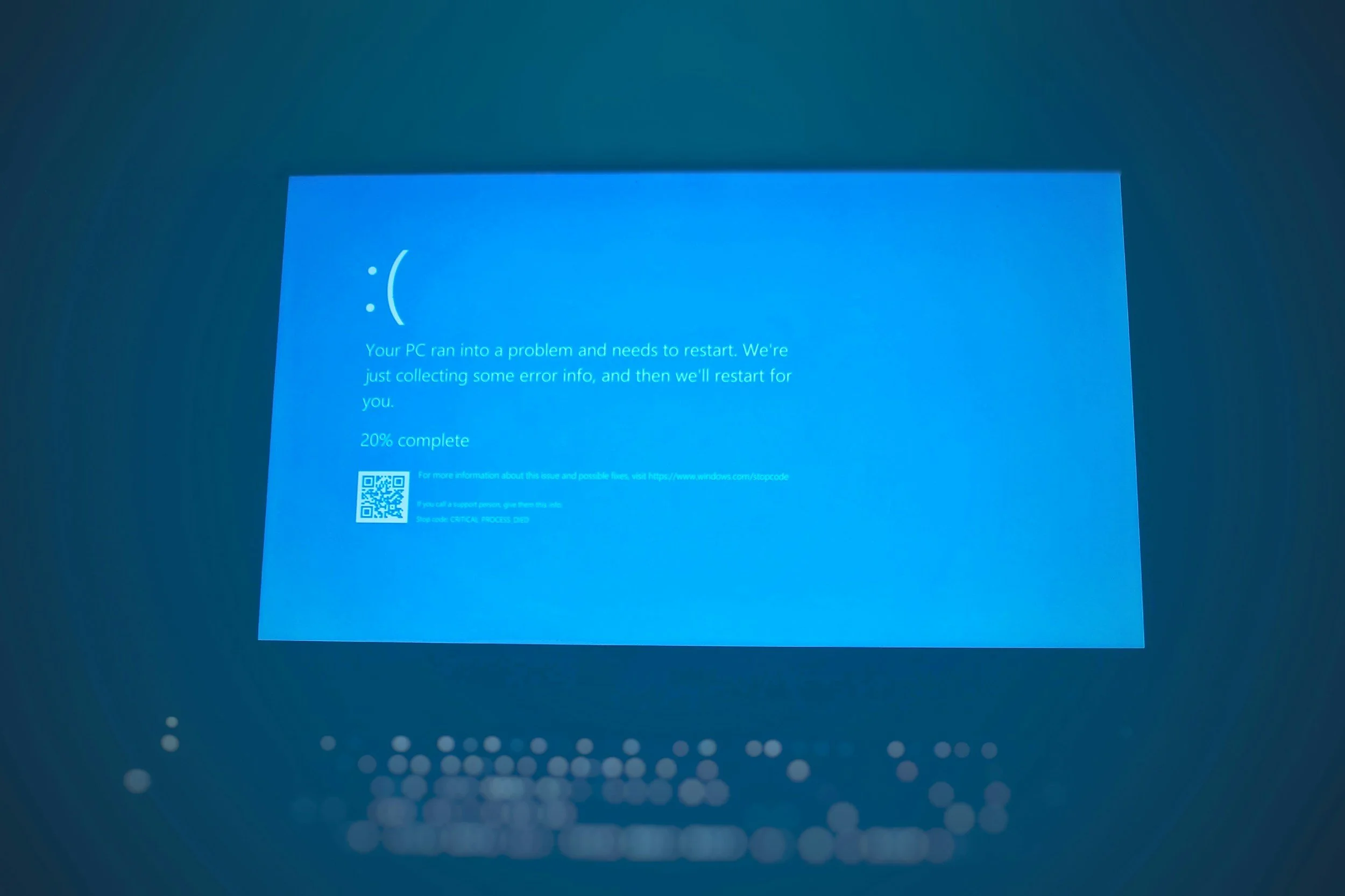
Software Errors / Pop-Ups
Fix issues without bringing the computer in.

Slow System / Clean-Up
Light optimization and background app cleanup.

Program Install / Setup
Apps, drivers, school/work tools, accounts.
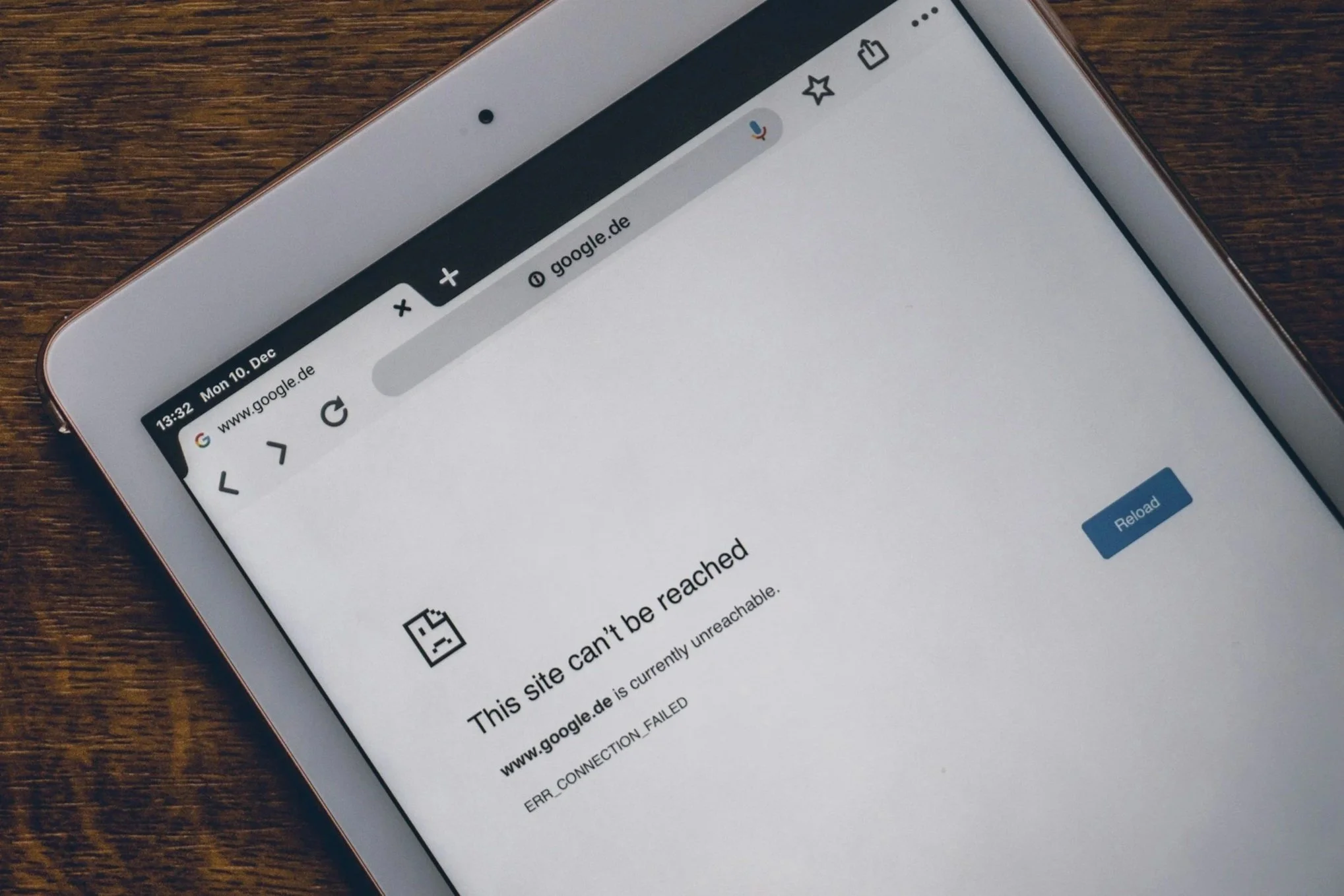
Connectivity Issues
Wi-Fi drops, printer issues, webcam/mic problems.

Account / Security Help
Passwords, 2FA, phishing checks, safe settings.

Hardware Advice
Upgrade guidance, compatibility checks, build planning.
Remote Support Services
Troubleshooting software & OS issues
Program installation and configuration
Light tune-up & cleanup
Email setup and sync issues
Printer, webcam, and audio troubleshooting
Wi-Fi & network-related fixes (software side)
Basic malware/adware cleanup
Quick training or walkthroughs
Consultation & Hardware Advice
Upgrade recommendations (RAM, SSD, GPU, CPU)
PC build planning and compatibility checks
Mac upgrade and repair advice
Server, NAS, and home office planning
Smart home equipment recommendations
Network hardware suggestions (router/mesh)
“Is this worth fixing?” consultations
Remote sessions require a working Internet connection. If the issue prevents remote access, we’ll guide you on next steps or schedule an in-person service.
Transparent Pricing & Estimates
| Category | Typical Range | Includes / Notes |
|---|---|---|
| Quick Remote Fix | $29 – $49 | Short session (up to ~20 minutes) for simple issues, questions, or quick checks. |
| Standard Remote Session | $69 – $99 | Up to ~45 minutes of remote troubleshooting, cleanup, installs, or configuration. |
| Extended Remote Session | $119 – $159 | Up to ~90 minutes for complex issues, multiple devices, or training/walkthroughs. |
| Hardware / Upgrade Consultation | $49 – $89 | Remote advice on upgrades, part selection, “is it worth fixing?”, and general planning. |
| PC Build Planning | $99 – $149 | Full parts list, compatibility check, balance of performance vs budget, and build strategy. |
| Follow-Up Session (Same Issue) | $39 – $69 | Discounted short session to review or adjust previous work on the same device. |
| Business / Office Consultation | $129 – $229 | Remote planning for small office setups, workflows, backup strategy, or upgrade paths. |
| Email & Account Cleanup | $59 – $99 | Help with email setup, sync issues, basic security checks, and account organization. |
| Rush Remote Session | +$25 – $50 | Priority scheduling for same-day or after-hours remote support when available. |
How It Works
Schedule a Session
Pick a time that works for you or request quick same-day help.

Connect Through a Secure App
We send you a link to TeamViewer or AnyDesk.
You open the app and share the one-time code — we can only connect with your permission.
Troubleshooting or Consultation
We fix software issues, adjust settings, install programs, or walk you through steps while you watch everything on your screen.
Summary & Recommendations
Before ending the session, we explain what was done and suggest any follow-up improvements.
Most remote sessions are completed in under an hour.

Why Choose LynqPC Services
Friendly, fast help without leaving home
Expert troubleshooting — not generic scripts
Clear guidance for hardware upgrades and buying decisions
Secure remote sessions with your permission required at every step
Great option for quick fixes or professional advice
Frequently Asked Questions
-
Most software issues, settings, installation problems, account issues, and light optimization can be handled remotely.
If the computer doesn’t turn on, loses Internet completely, or has hardware failure, an in-person repair is recommended. -
Yes. We use trusted remote apps like TeamViewer or AnyDesk.
You must approve every session with a one-time code, and you can see everything happening in real time. We cannot access your computer once the session ends. -
Just a small temporary app (TeamViewer or AnyDesk).
No account, no setup — you simply run it and share the one-time session ID. -
If the connection drops, we’ll guide you over the phone and reconnect when possible.
If the issue prevents remote access entirely, we can recommend next steps or an in-person service. -
Yes. We can help with app installation, login issues, email setup, video calls, printer setup, and other common school or work-related tasks.
-
Absolutely. We can check compatibility, suggest parts, build shopping lists, or help you plan a full PC build or upgrade path.
-
Yes — remote sessions are available for Windows PCs and Mac computers.
-
Yes. We can walk you through apps, settings, or workflows step-by-step if you need quick training or guidance.
-
Most issues take 15–60 minutes depending on complexity.
-
No. Nothing is stored or saved. We only access your system for the duration of the session, with your permission, and you can end it at any time.

Ready to solve it?
Get a fast estimate today — tell us the symptoms and your goals.
Related Services

PC Repair and Upgrades
Diagnostics, cleaning, and hardware replacements to bring any desktop or laptop back to peak condition.
Learn More

Mac Repair & Optimization
Battery, SSD, and thermal servicing for MacBooks and iMacs — with careful, warranty-safe handling.
Learn More

Performance Optimization
System tune-ups, OS reinstalls, and thermal management for faster, cooler, quieter computers.
Learn More

Home Networking Setup
Fast, reliable Wi-Fi and Ethernet installation with full-home coverage — smart home integration available when needed.
Learn More
LynqPC Services is part of LynqPC LLC — combining years of PC-building experience with professional IT and repair solutions.
We’re the same team that builds your high-performance systems — now here to keep them running flawlessly.