
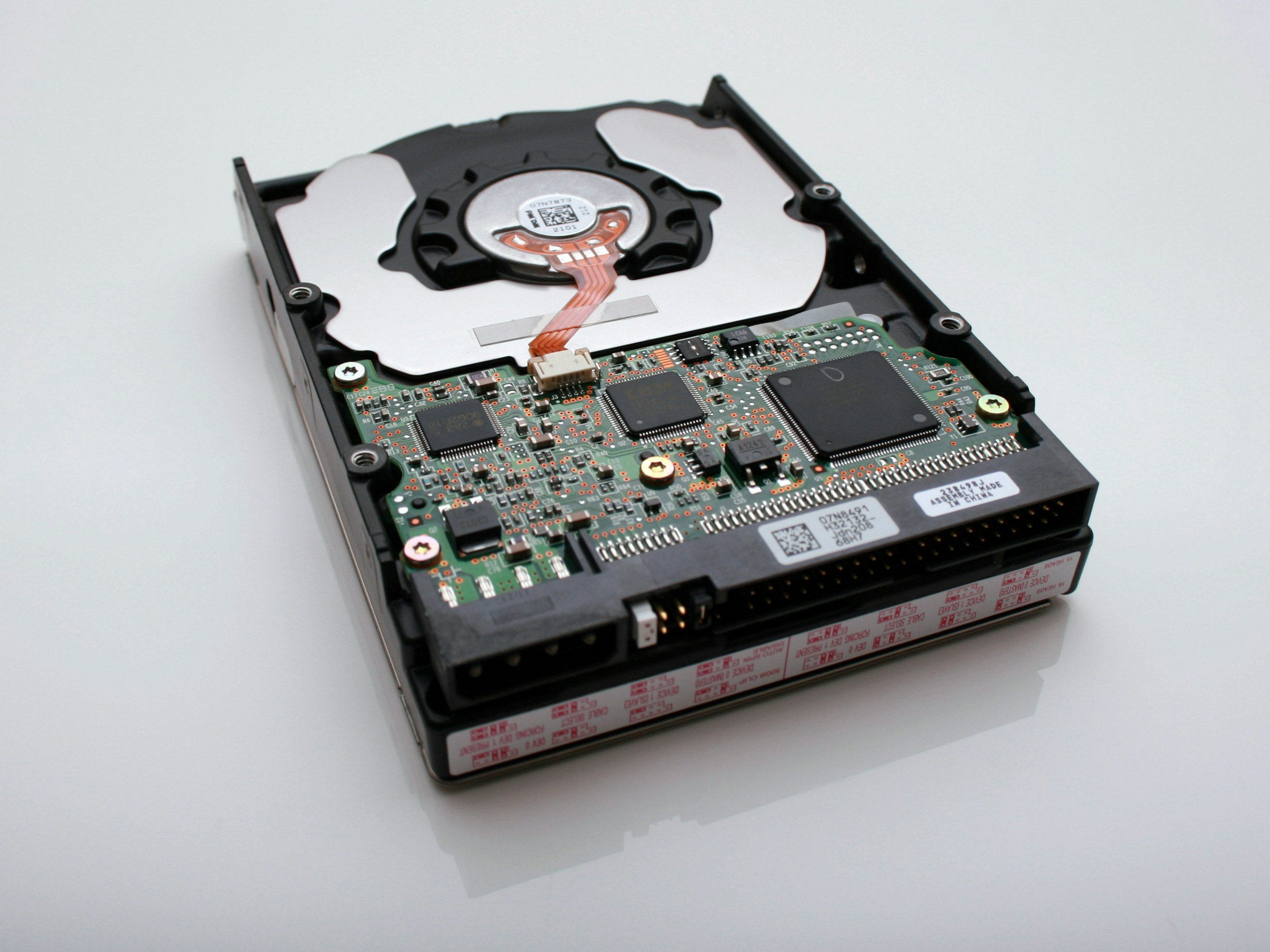
Data Recovery & Backup
Recover lost files and set up automated cloud or local backup systems to prevent future loss.
Common Issues We Repair

Accidentally Deleted Files
Recover recently removed documents, photos, and folders.
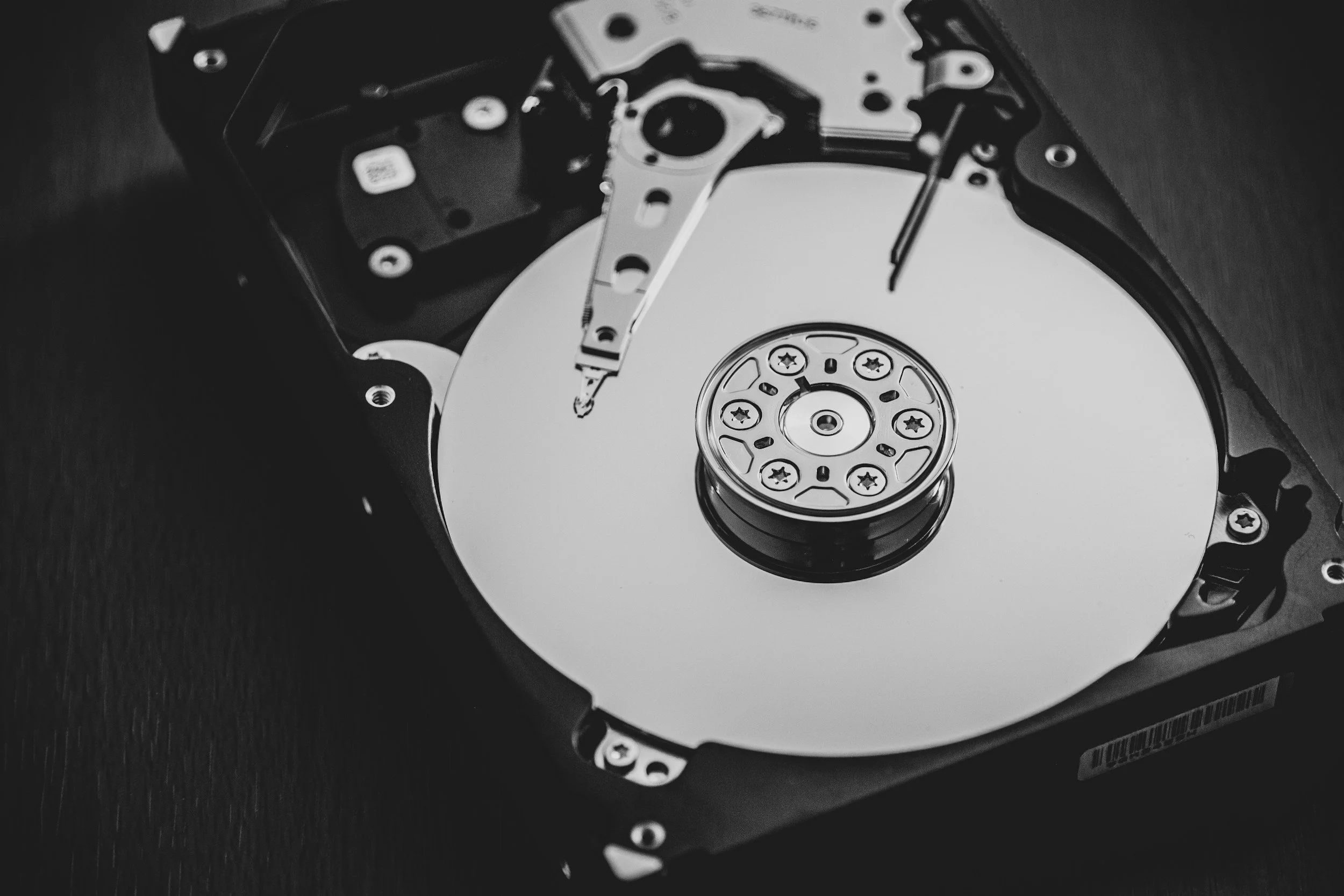
Damaged or Corrupted Drives
Extract data from failing HDDs, SSDs, and USB drives.
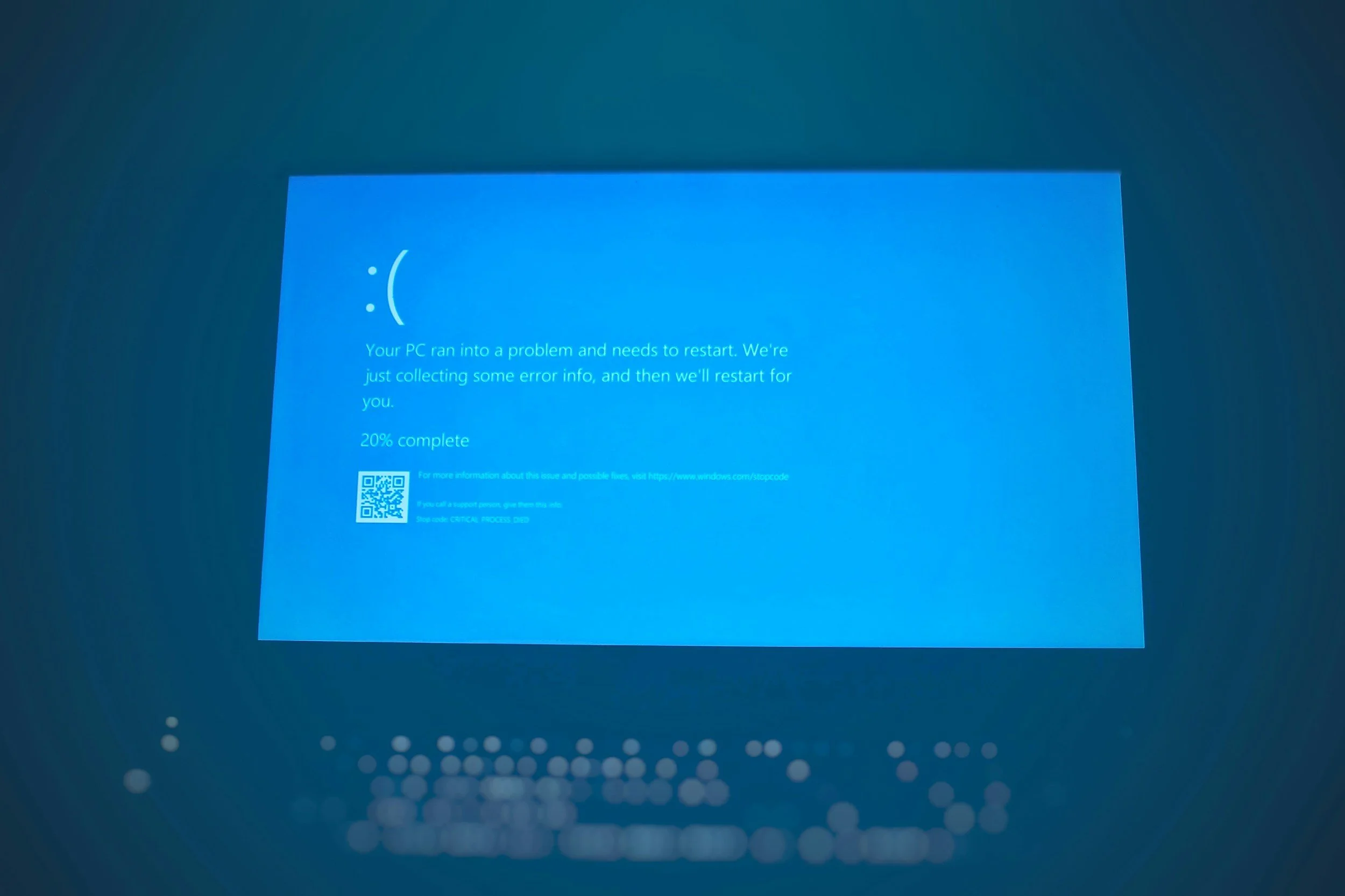
Not Booting / Stuck Loading
Access files even when the OS no longer starts.
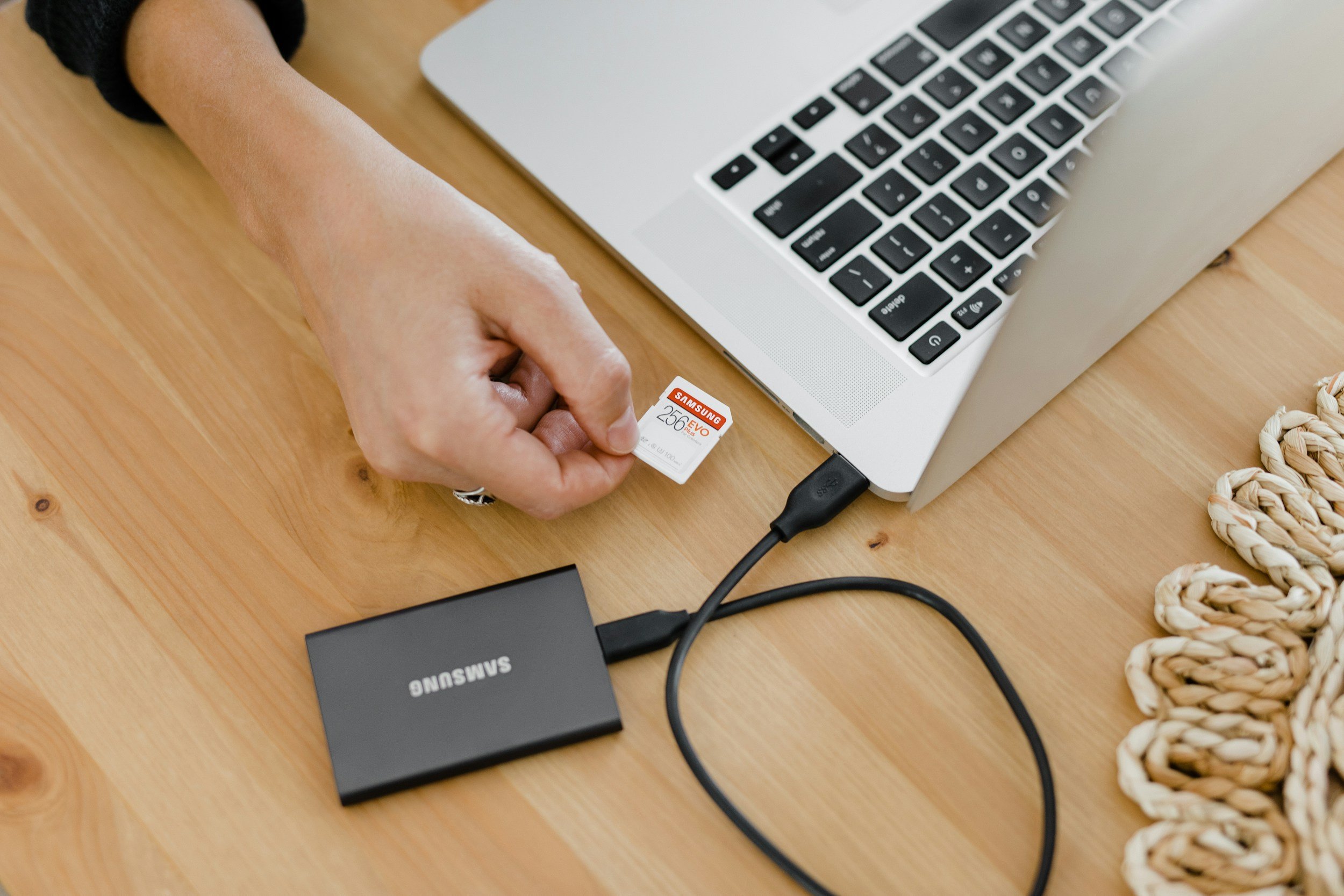
External Drives Not Recognized
Fix or recover from bad formatting or connection issues.
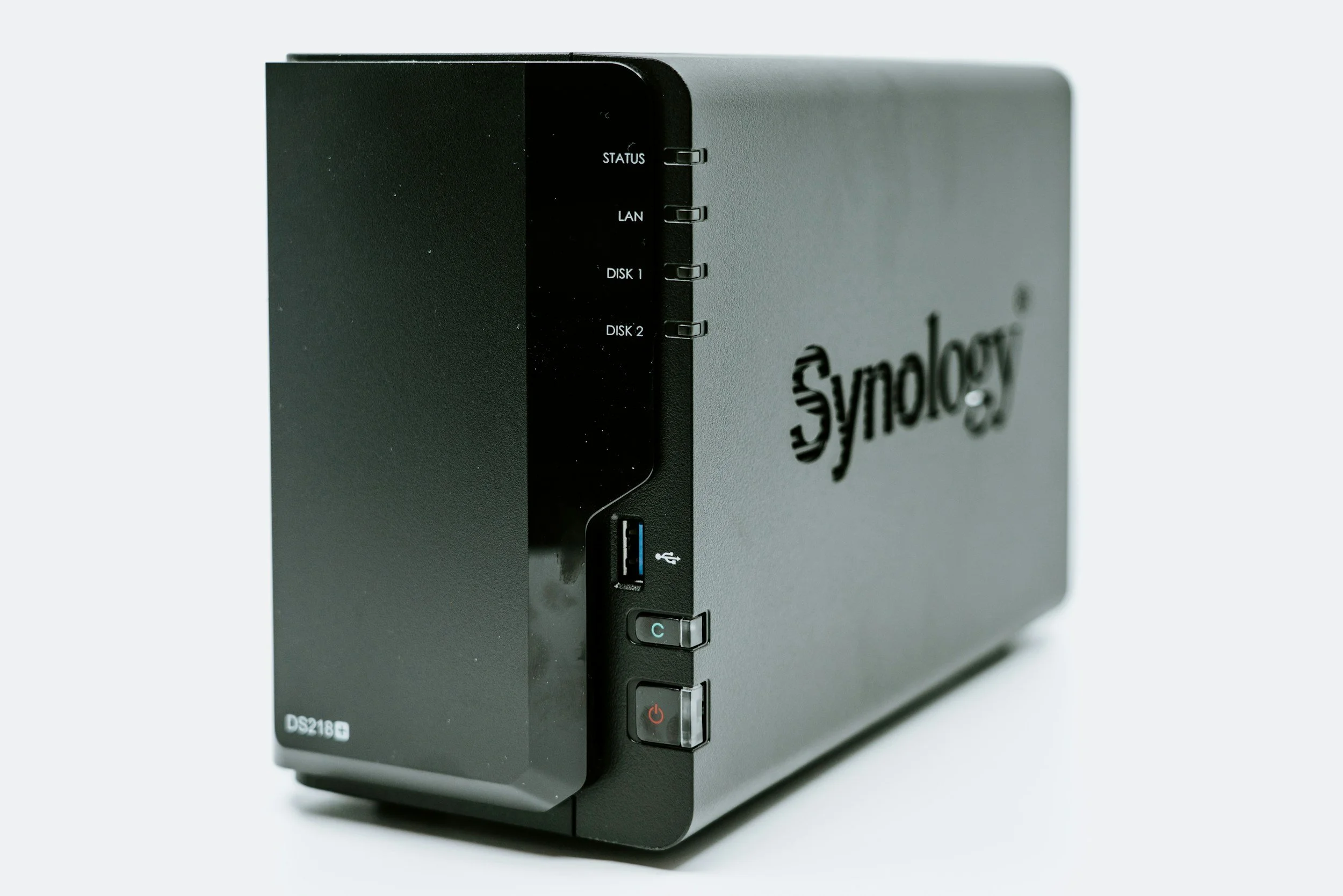
Local Backup Systems
NAS, external drives, Time Machine, Windows File History.

Cloud Backup Setup
Google Drive, OneDrive, iCloud, Dropbox, etc.
Data Recovery Services
Recovery from non-booting Windows & macOS
File-level recovery from corrupted drives
External HDD / SSD recovery
USB flash drive recovery
Photo & document restoration when possible
Backup verification and integrity checks
Light hardware diagnosis for failing drives
Backup & Protection Services
Cloud backup setup (Google, iCloud, OneDrive, Dropbox)
Local backups to external SSD/HDD
Time Machine setup (macOS)
Windows File History / System Image
NAS or home server backup configuration
Scheduled automation for daily/weekly backups
Backup monitoring and health checks
Full advanced recovery (dead/no-spin drives, severe physical damage) may require specialized lab service. We help determine this upfront.
Transparent Pricing & Estimates
| Category | Typical Range | Includes / Notes |
|---|---|---|
| Diagnostics & Drive Assessment | Free with approved service $49 stand-alone — applied to repair cost |
Initial evaluation of the drive, health check, recovery likelihood, and estimate. |
| Quick File Recovery | $99 – $169 | Recently deleted files or light corruption on drives that are otherwise healthy and fully accessible. |
| Standard Data Recovery | $179 – $349 | File-level recovery from failing, non-booting, or moderately corrupted HDDs/SSDs/externals that still power on. |
| Advanced / Deep Recovery | $349 – $699 | Time-intensive recovery from severely degraded drives. Clean-room cases or physically dead drives quoted separately. |
| External Drive & USB Recovery | $129 – $279 | Recovery from external HDDs, SSDs, and flash drives with logical errors, partition issues, or mild corruption. |
| Cloud Backup Setup | $79 – $149 | Configure automated backup using Google Drive, OneDrive, iCloud, Dropbox, or similar for one device. |
| Local Backup Setup | $99 – $189 + hardware | Setup of Time Machine, Windows File History, or external-drive backup with scheduled automation. |
| NAS / Multi-Device Backup | $199 – $399 + hardware | Configuration of a NAS or server, user access, and backup jobs for multiple computers or devices. |
| Rush Service | +$75 – $150 | Priority handling for urgent recoveries or backup setups when available. |
How It Works
Initial Assessment
We check the drive’s health, symptoms, and recovery potential without making anything worse.

Recovery Plan
You get a clear estimate and what type of recovery is possible (quick, standard, or deep).
Recovery or Setup Work
We extract files, rebuild partitions, or configure cloud/local backup systems depending on the service needed.
Final Transfer & Protection
Recovered data is placed on a safe drive or cloud storage.
Backup automation is set to protect you going forward.
Light recoveries may take 1–3 hours; deeper cases can take longer depending on drive condition.

Why Choose LynqPC Services
Safe, careful recovery without risky shortcuts
Clear communication about what can and cannot be recovered
Recovery for both Windows and macOS devices
Secure handling of your files and strict privacy standards
Backup strategies tailored to your workflow and devices
Frequently Asked Questions
-
Usually, yes. We can access the drive directly and pull your files even if Windows or macOS no longer loads.
-
If the data hasn’t been overwritten, recovery is often possible. The sooner you stop using the device, the better the chances.
-
Yes. We recover data from NTFS, APFS, HFS+, FAT, exFAT, and most other common file systems.
-
We can attempt non-invasive recovery.
If the drive has severe mechanical damage (e.g., clicking, no spin), we’ll let you know if a clean-room lab is required. -
Often yes. We can diagnose corruption, partition damage, or filesystem errors and recover files when possible.
-
Light recovery may take 1–3 hours.
Deep recovery — especially from a failing or very large drive — may take longer depending on the condition. -
We do not perform invasive, platter-level repairs.
If your drive needs clean-room service, we’ll identify that during the assessment and explain your options. -
Yes — we configure automated cloud backups (Google Drive, iCloud, OneDrive, Dropbox) or local backups like Time Machine, File History, NAS, or external SSDs.
-
Absolutely. Your files are handled confidentially, never stored after the service, and only transferred to the device or location you choose.
-
We’ll let you know exactly what was recovered and provide a recovery summary. You only proceed if results are acceptable.

Ready to solve it?
Get a fast estimate today — tell us the symptoms and your goals.
Related Services

PC Repair and Upgrades
Diagnostics, cleaning, and hardware replacements to bring any desktop or laptop back to peak condition.
Learn More

Mac Repair & Optimization
Battery, SSD, and thermal servicing for MacBooks and iMacs — with careful, warranty-safe handling.
Learn More

Performance Optimization
System tune-ups, OS reinstalls, and thermal management for faster, cooler, quieter computers.
Learn More

Consultation & Remote Assistance
Quick remote help or hardware advice — get expert answers without leaving your desk.
Learn More

LynqPC Services is part of LynqPC LLC — combining years of PC-building experience with professional IT and repair solutions.
We’re the same team that builds your high-performance systems — now here to keep them running flawlessly.